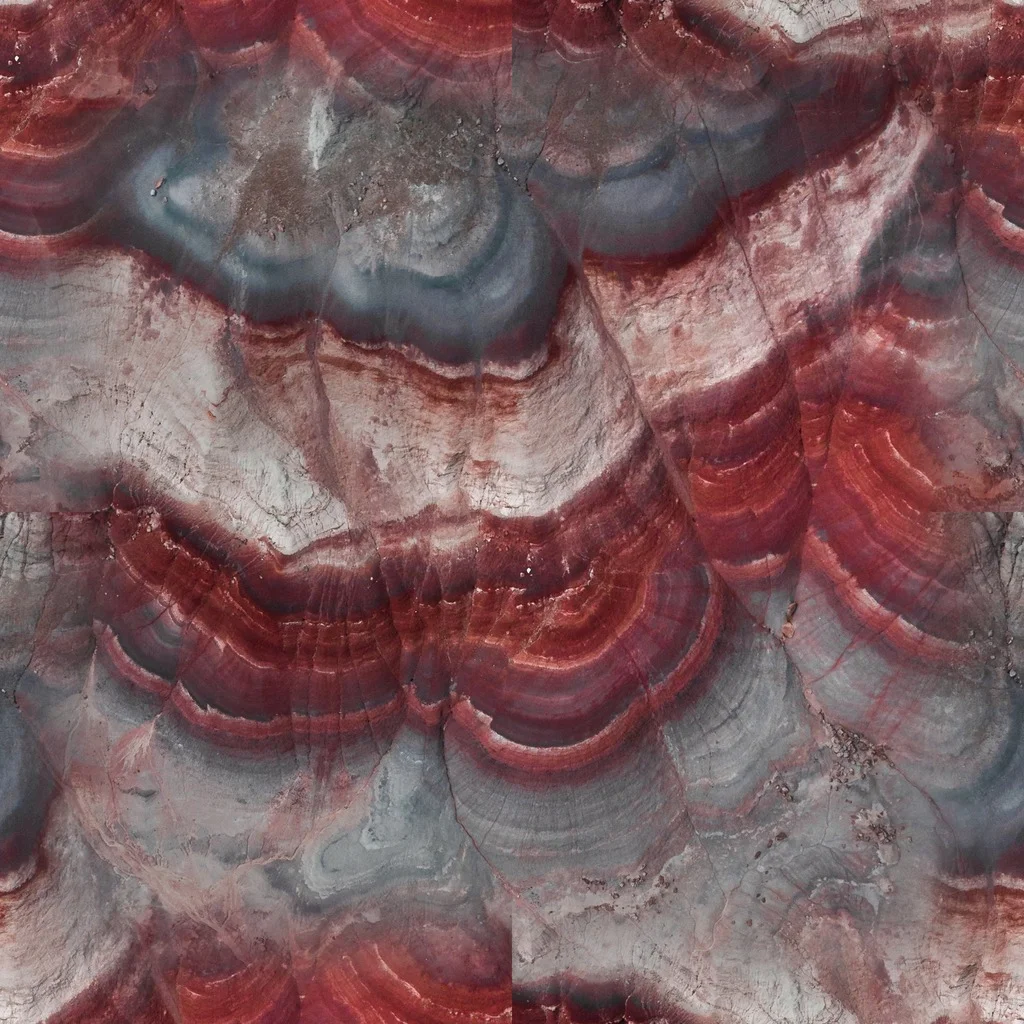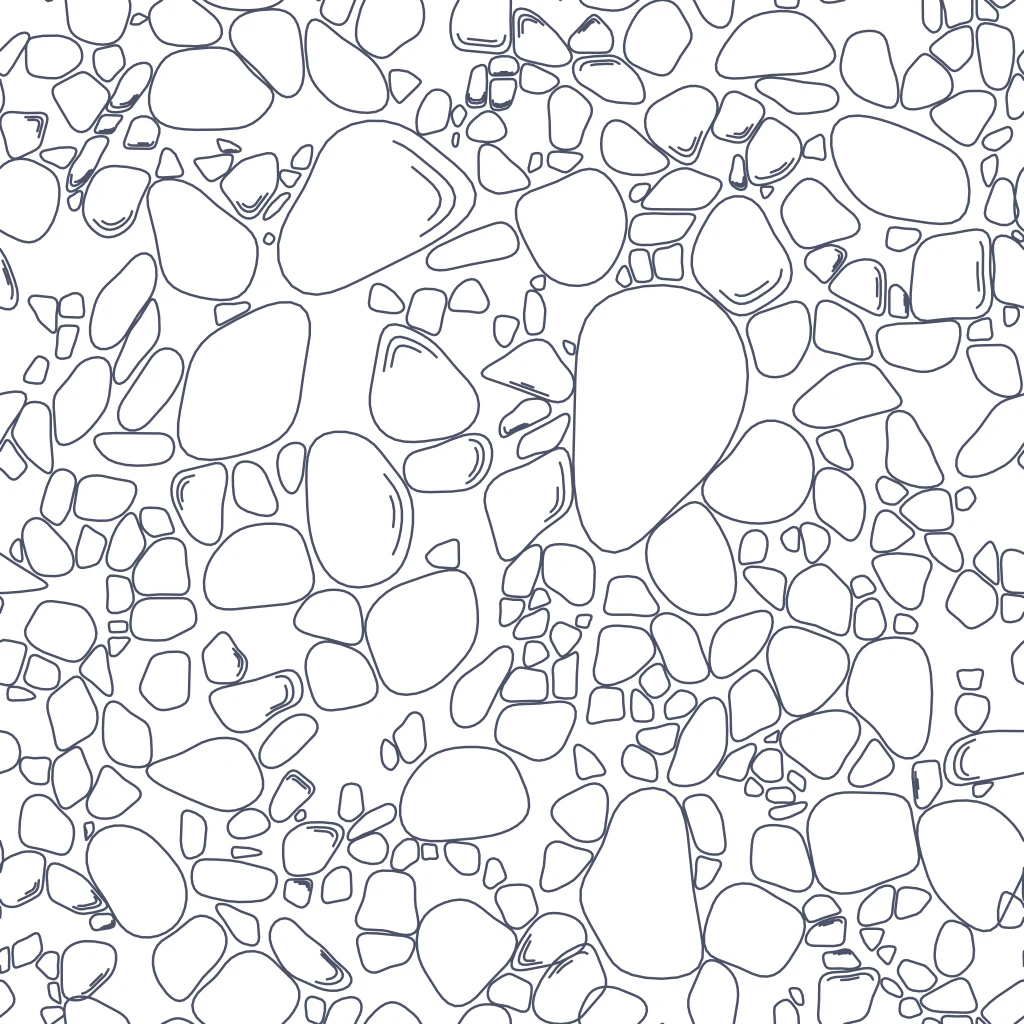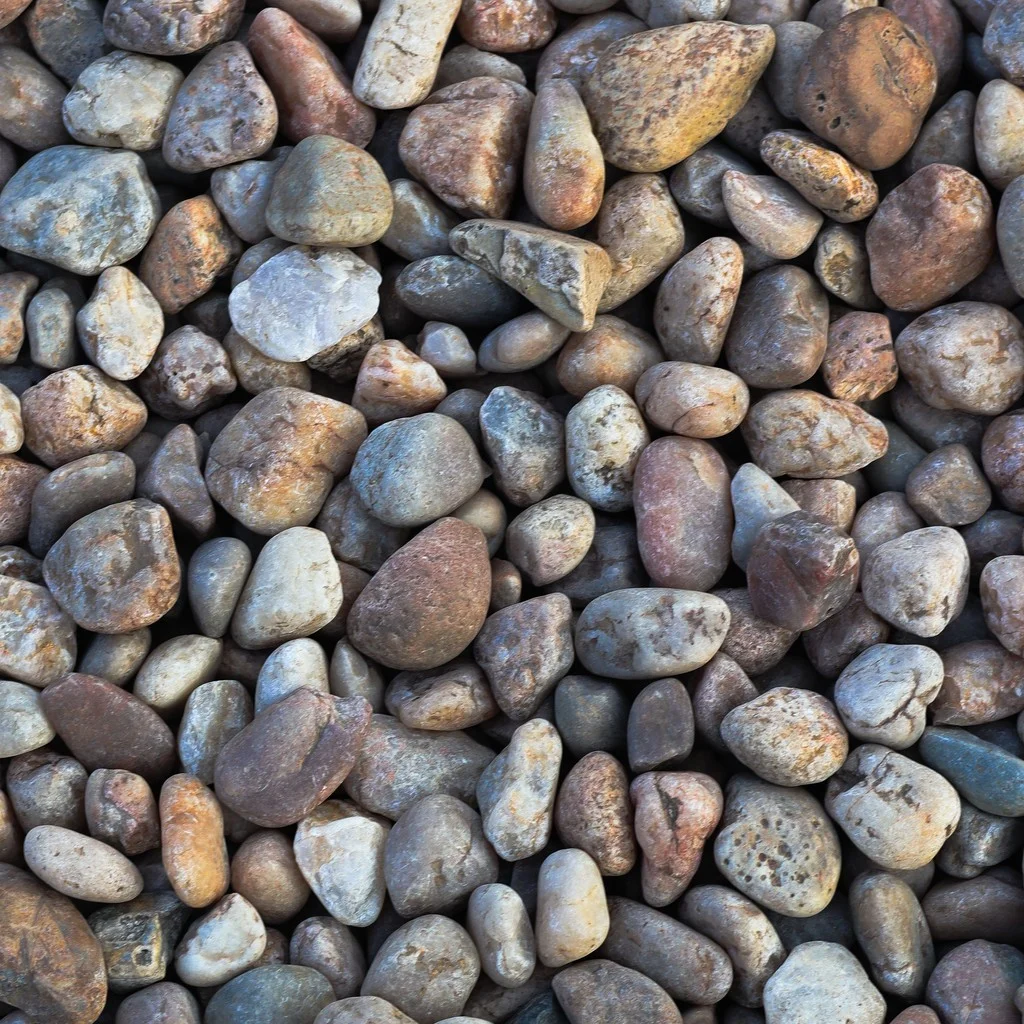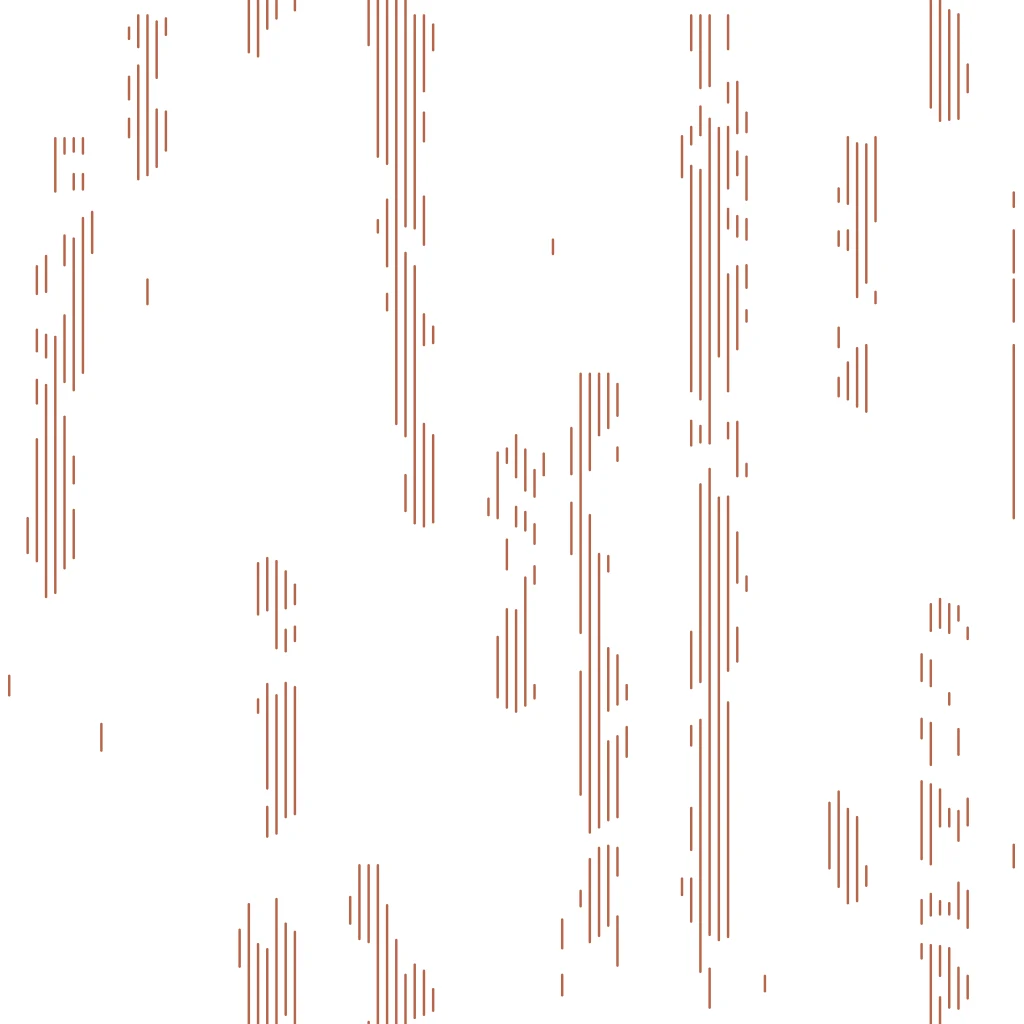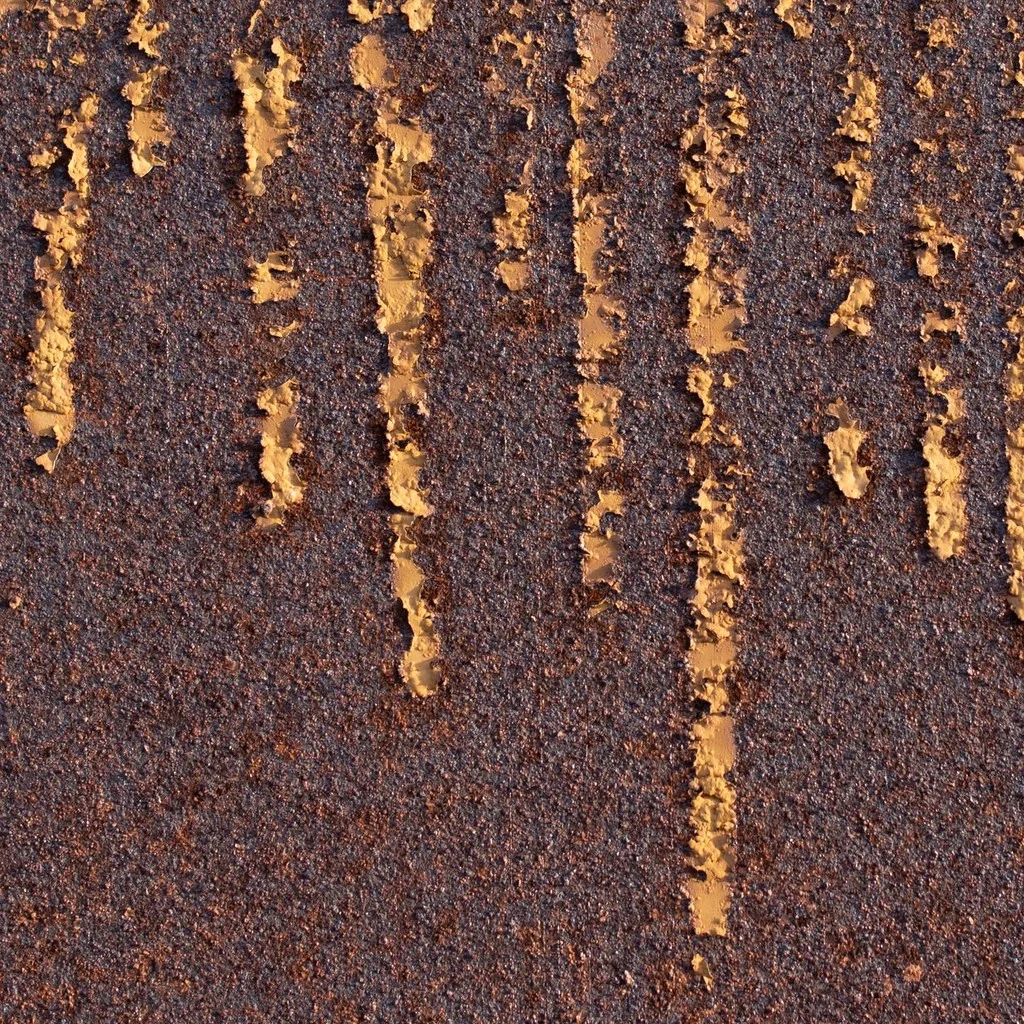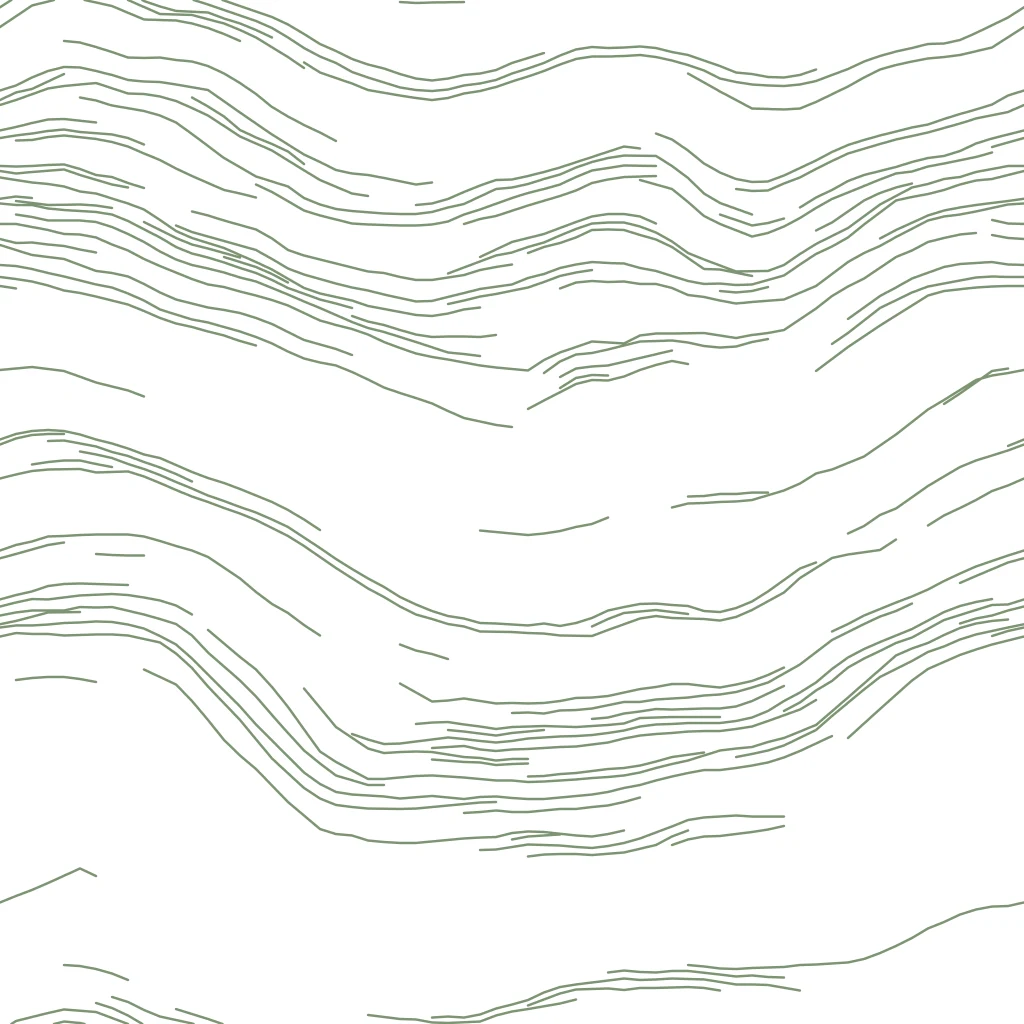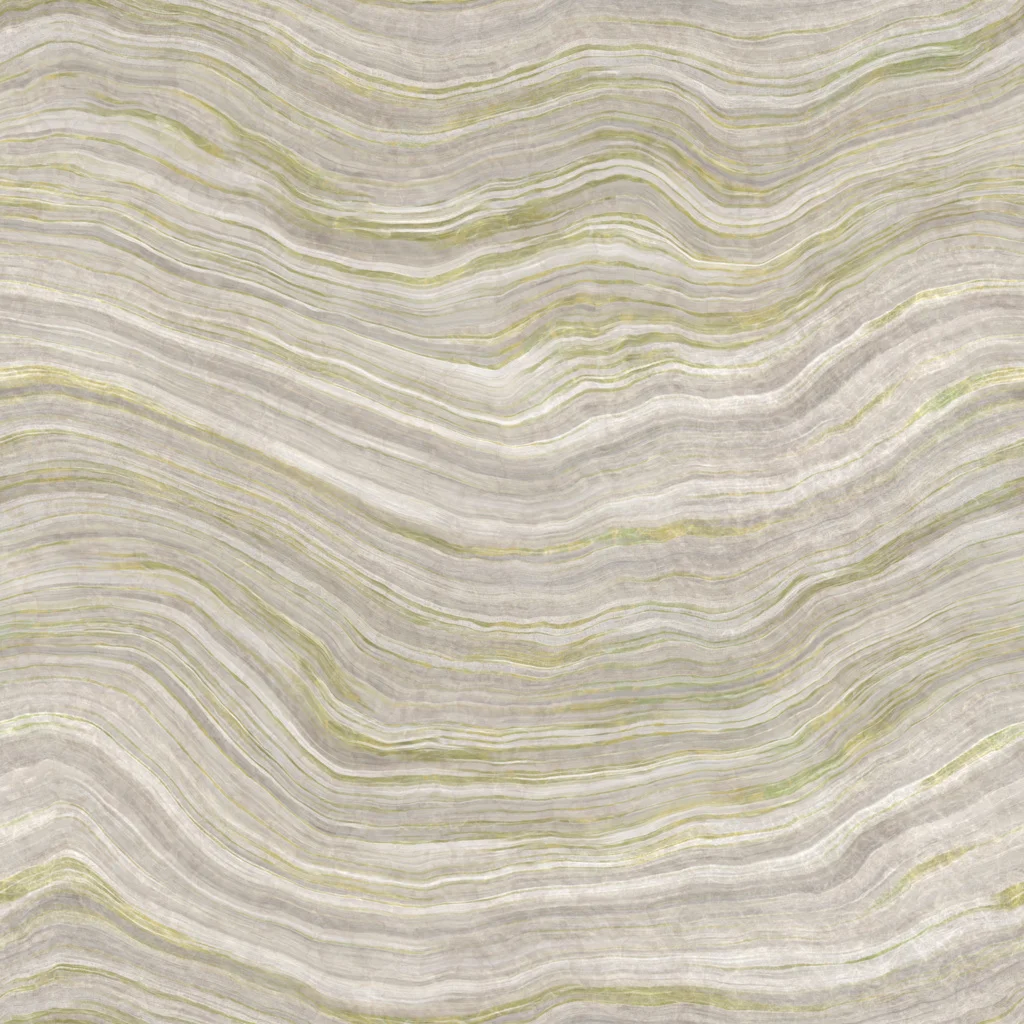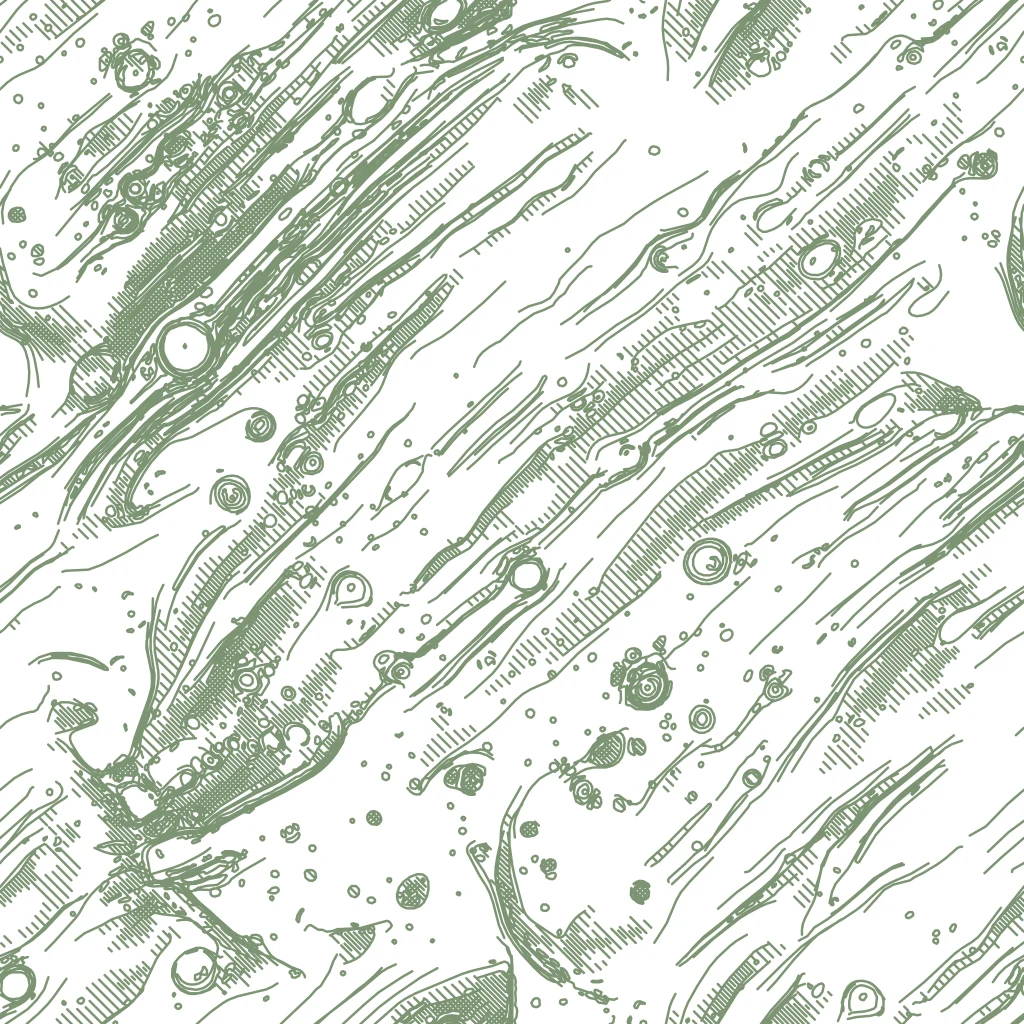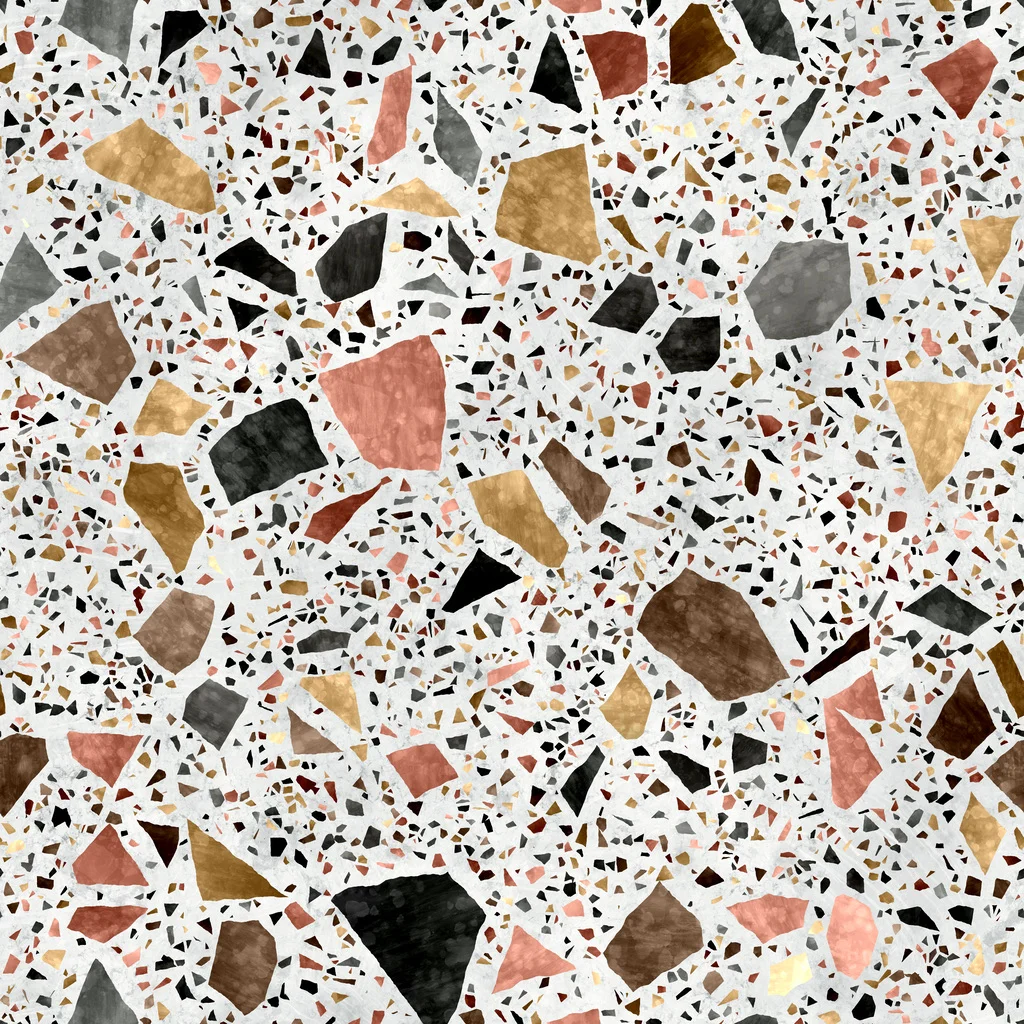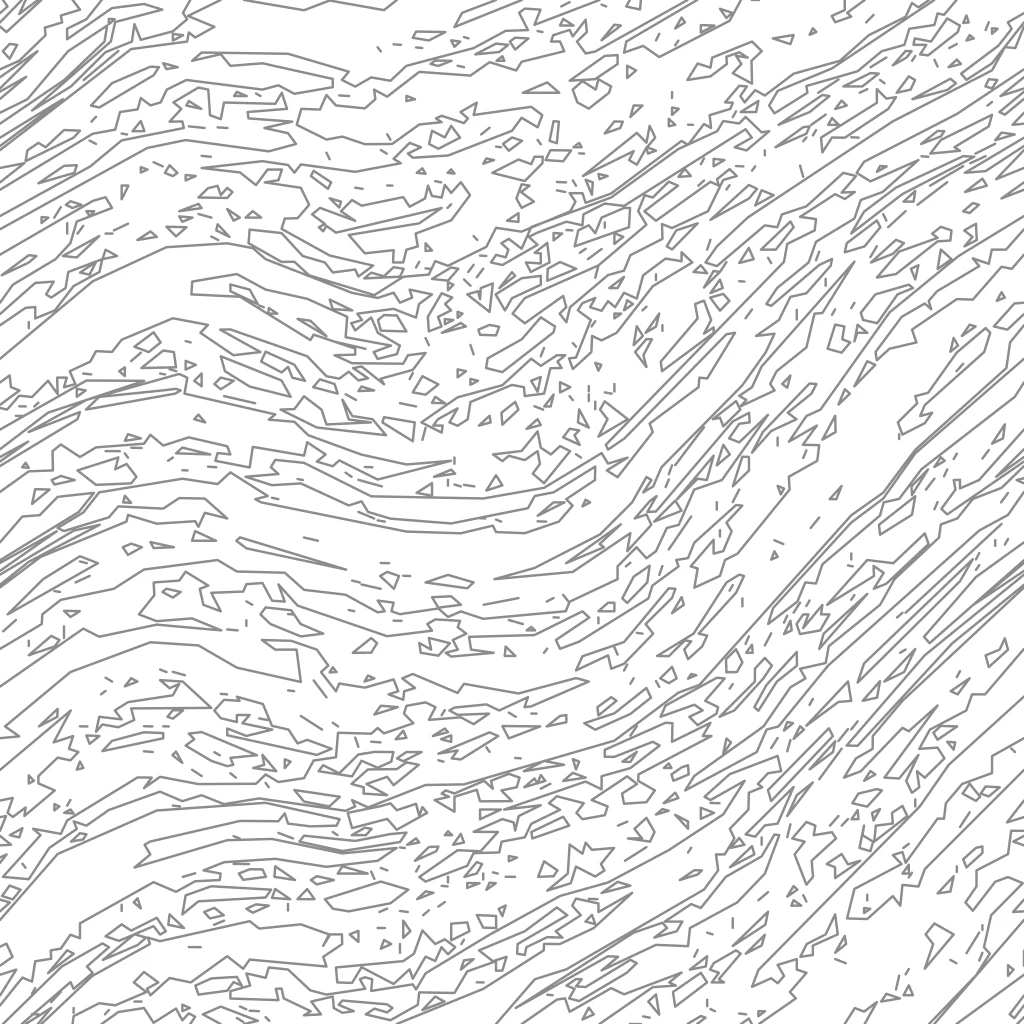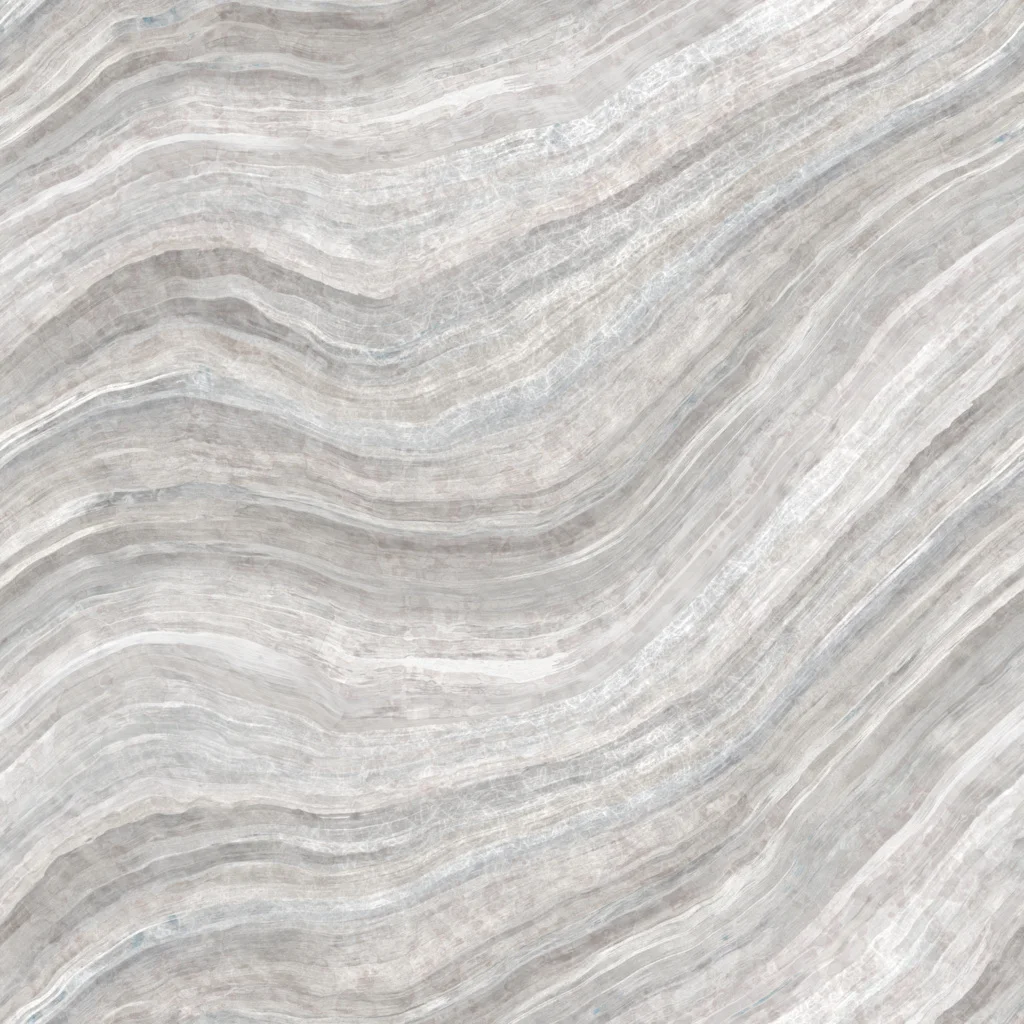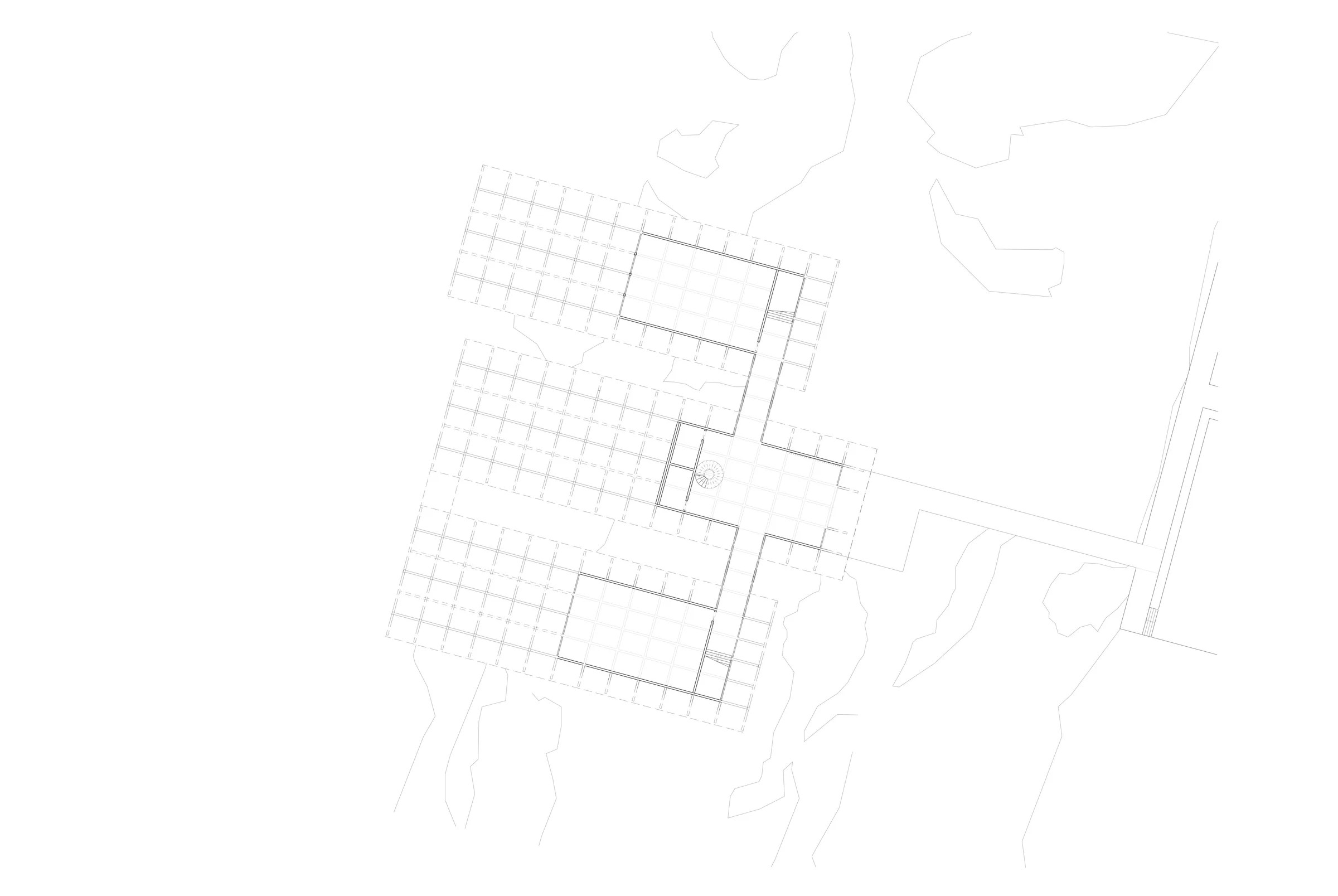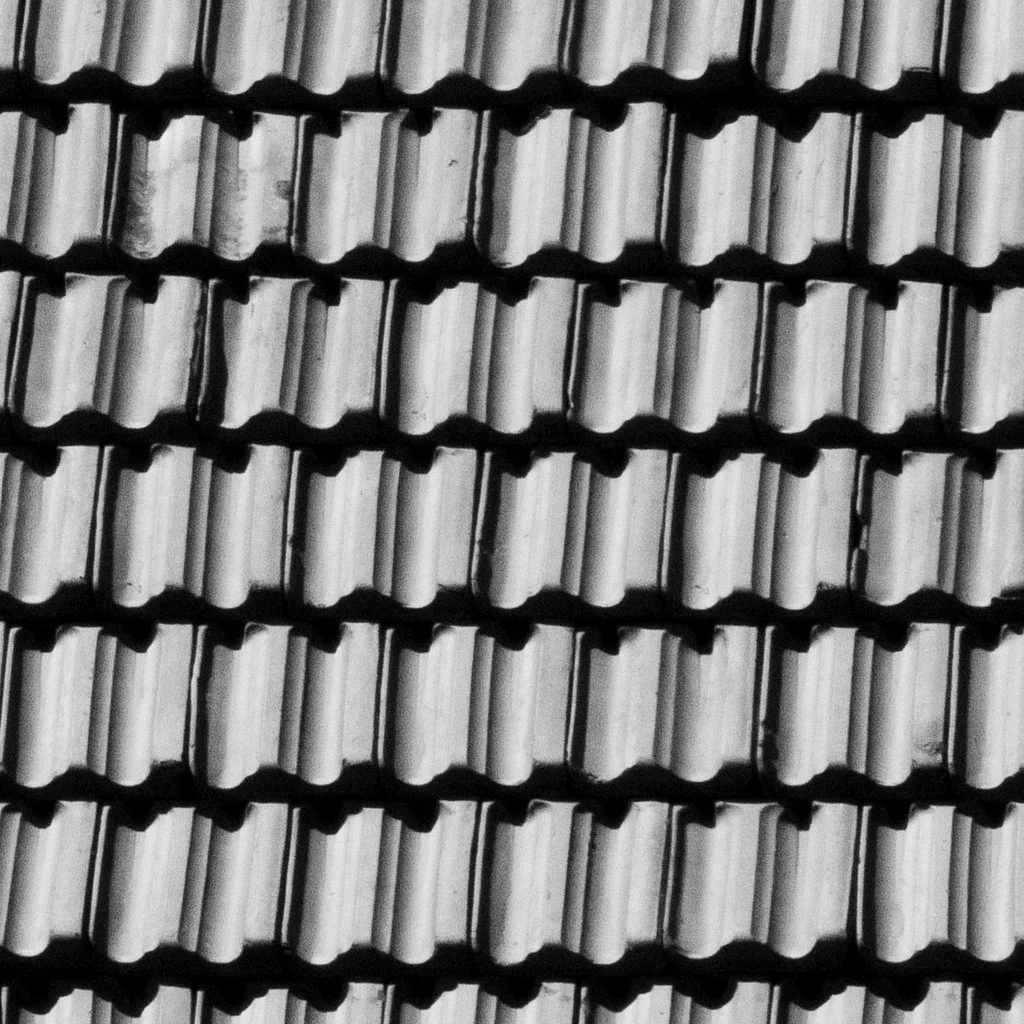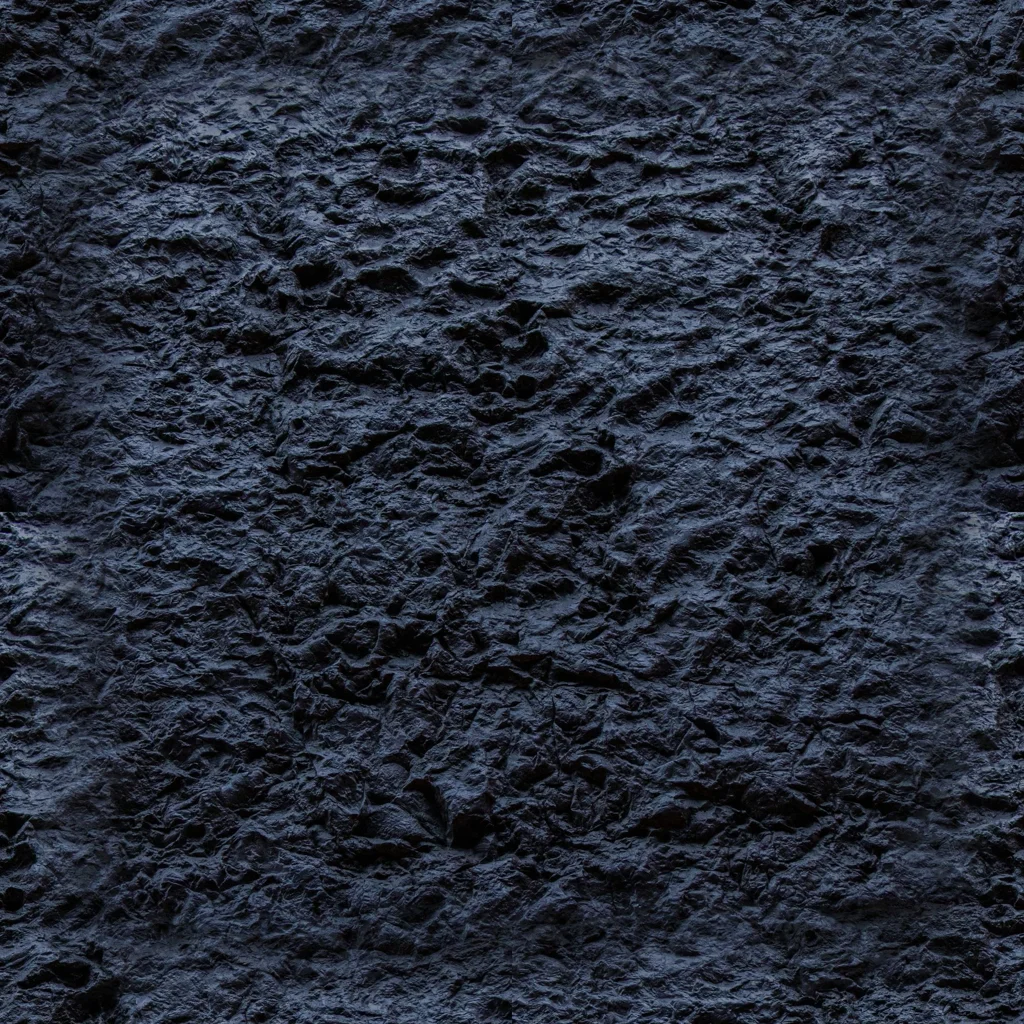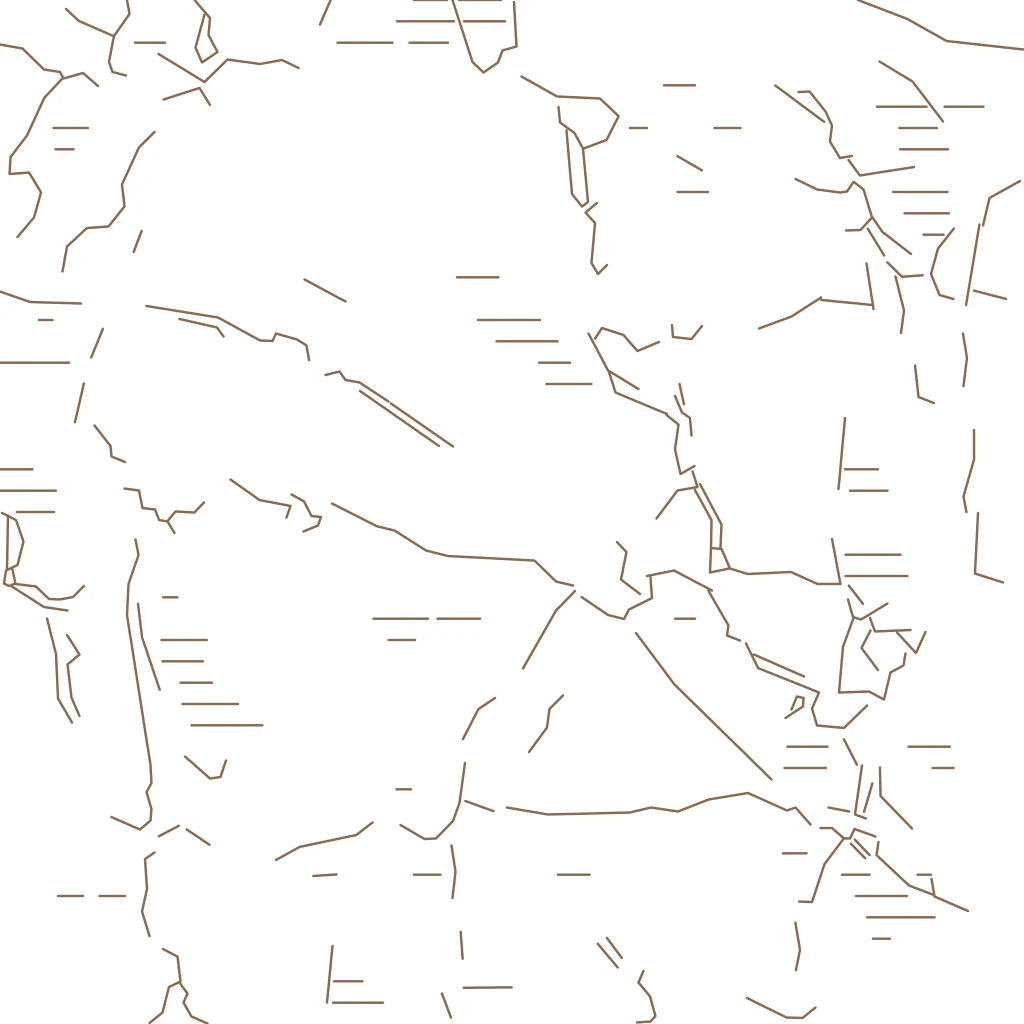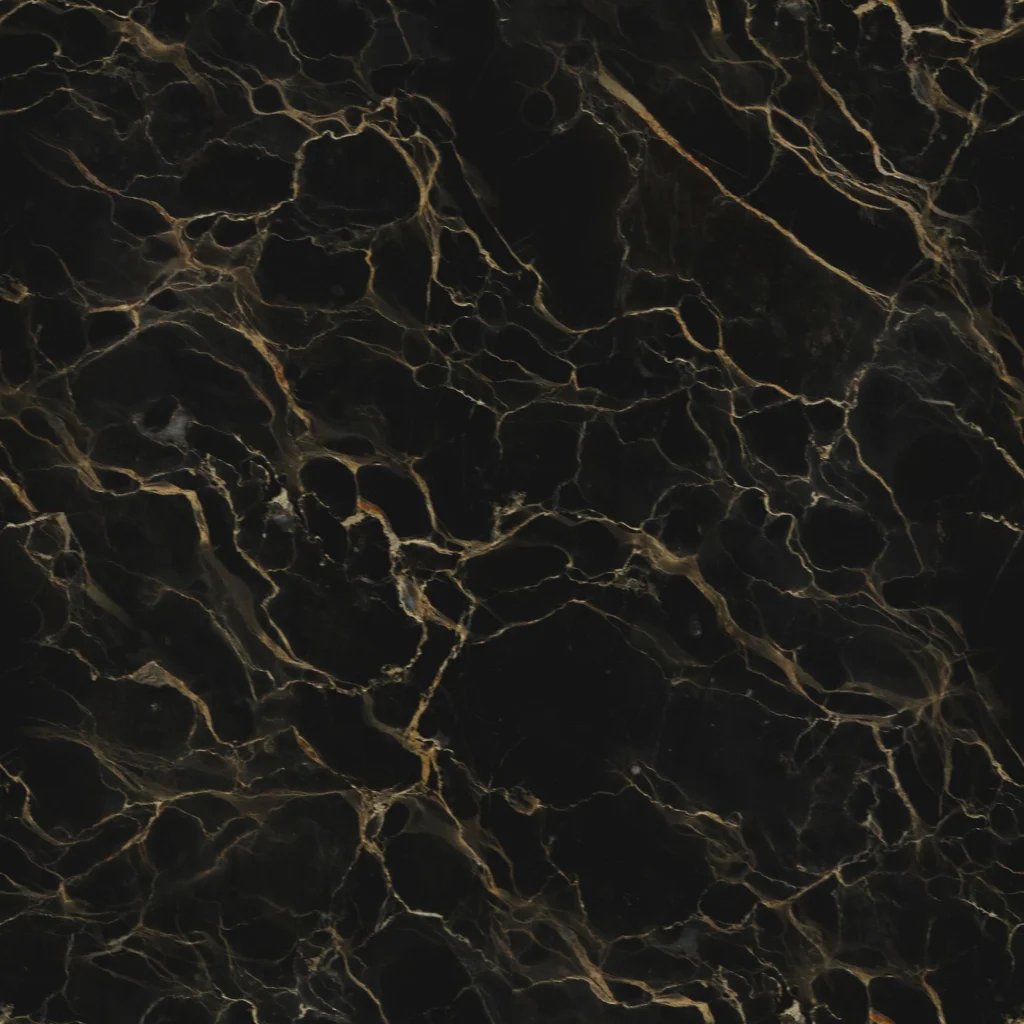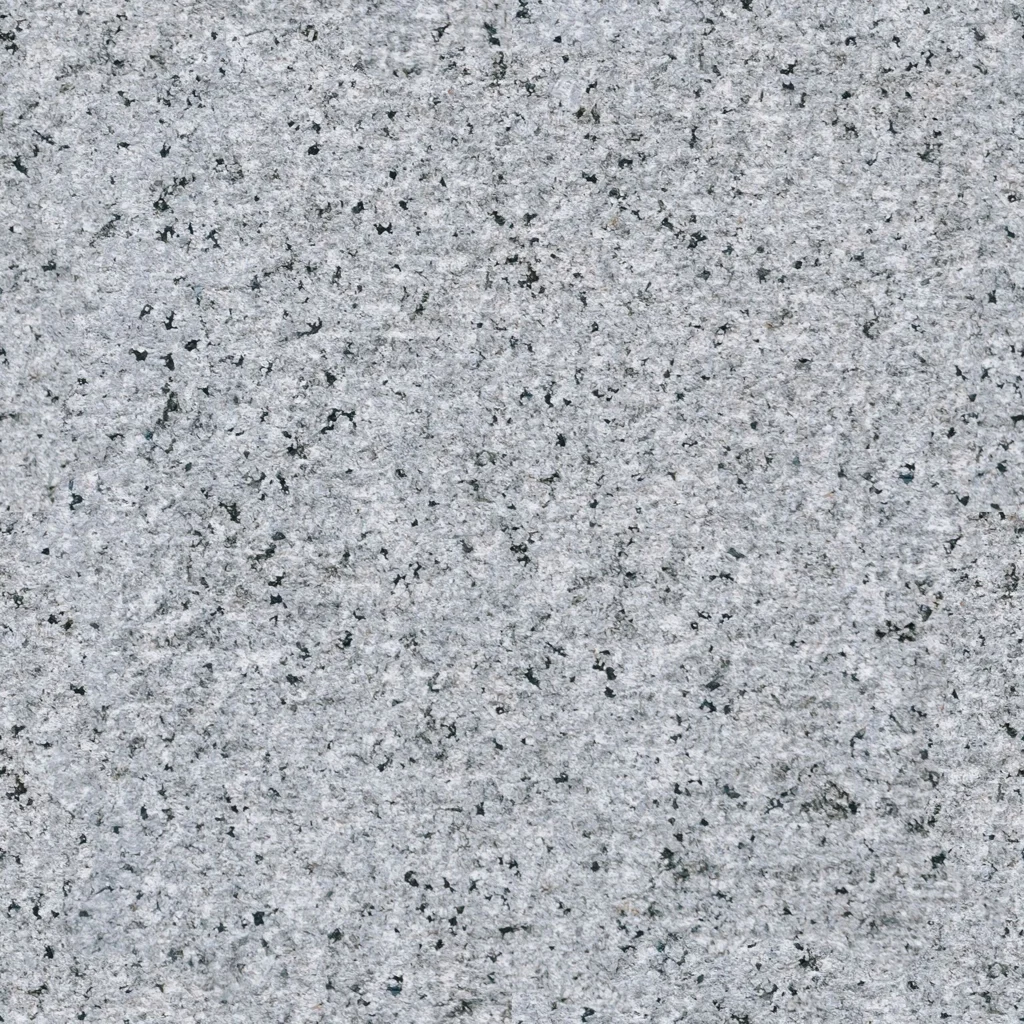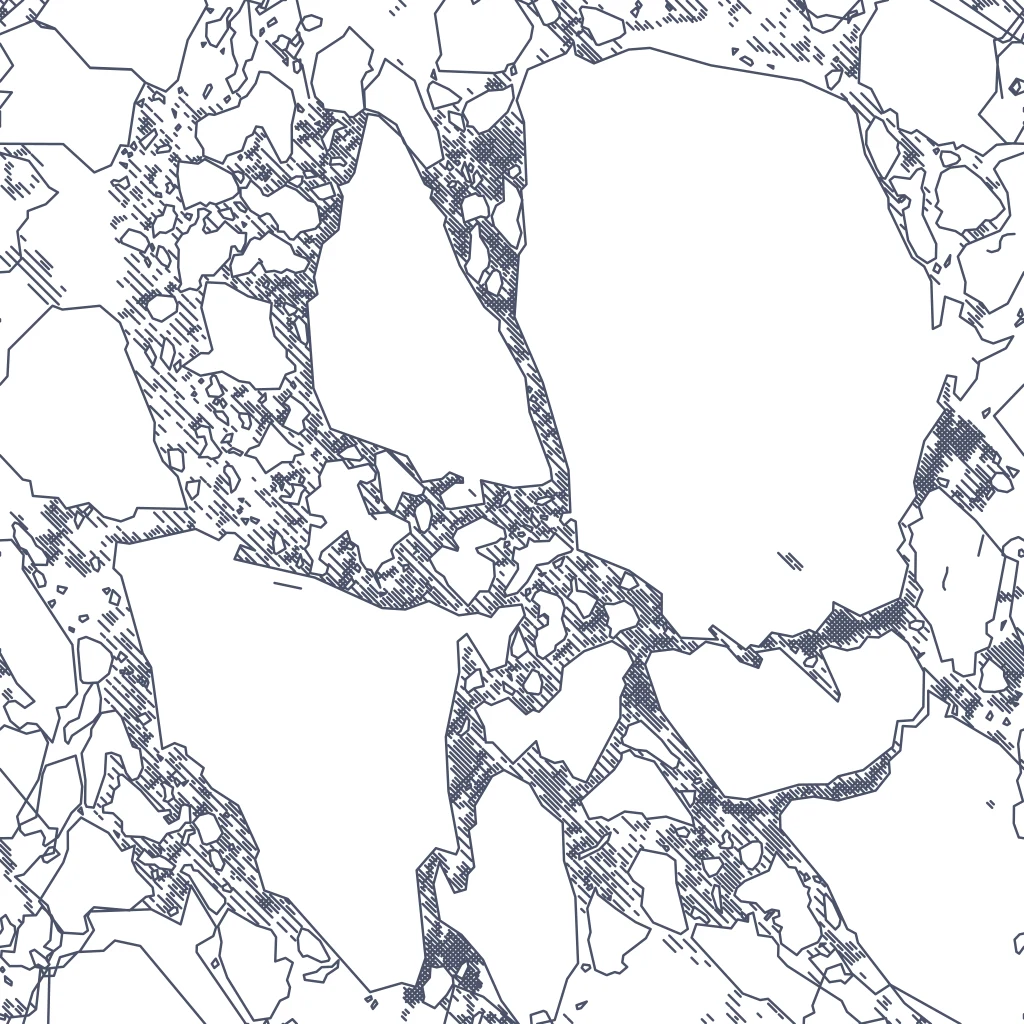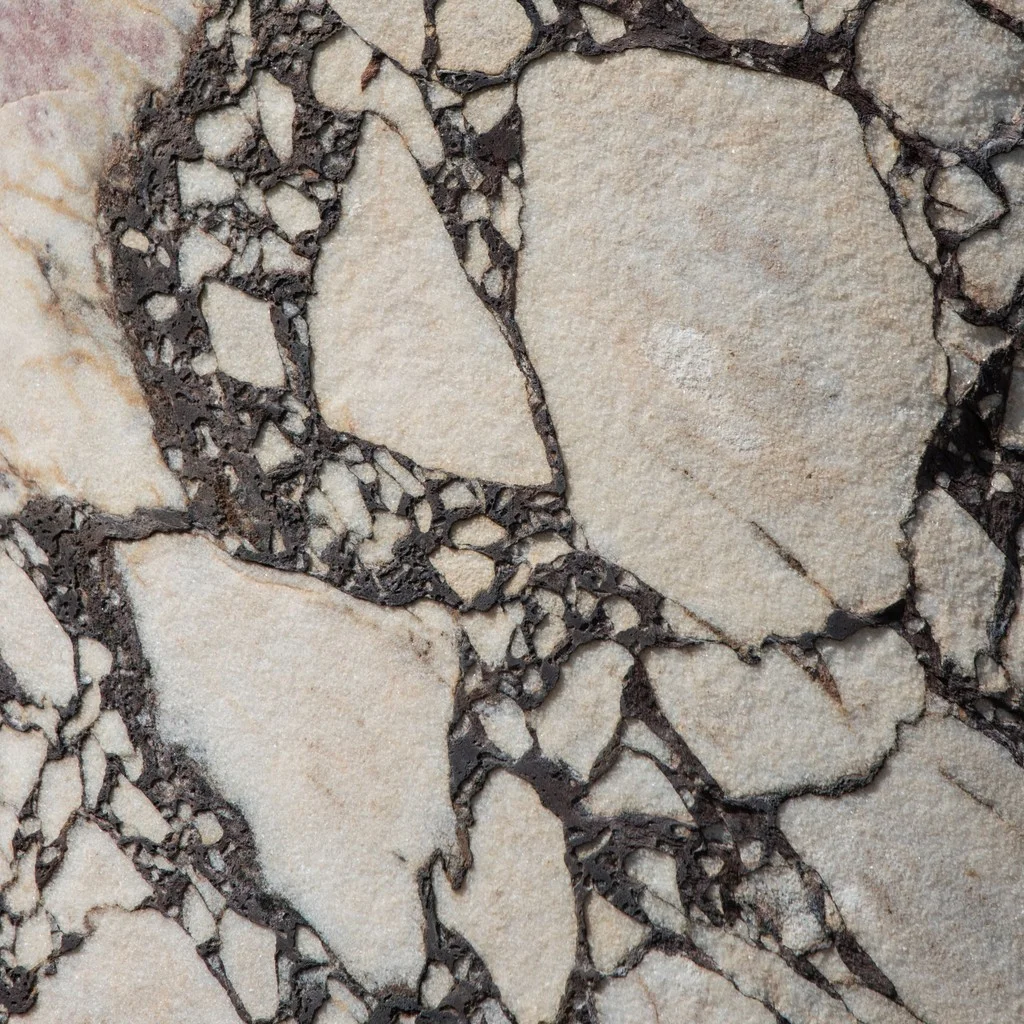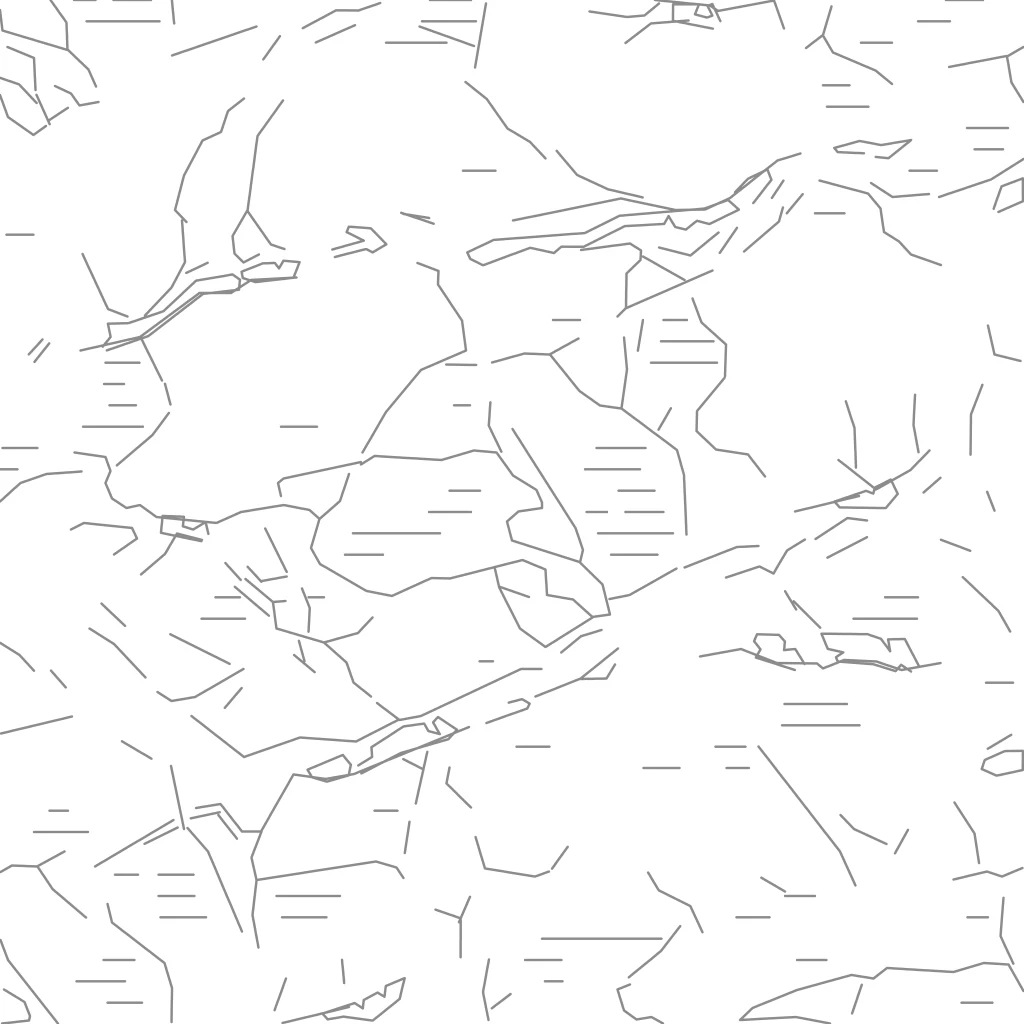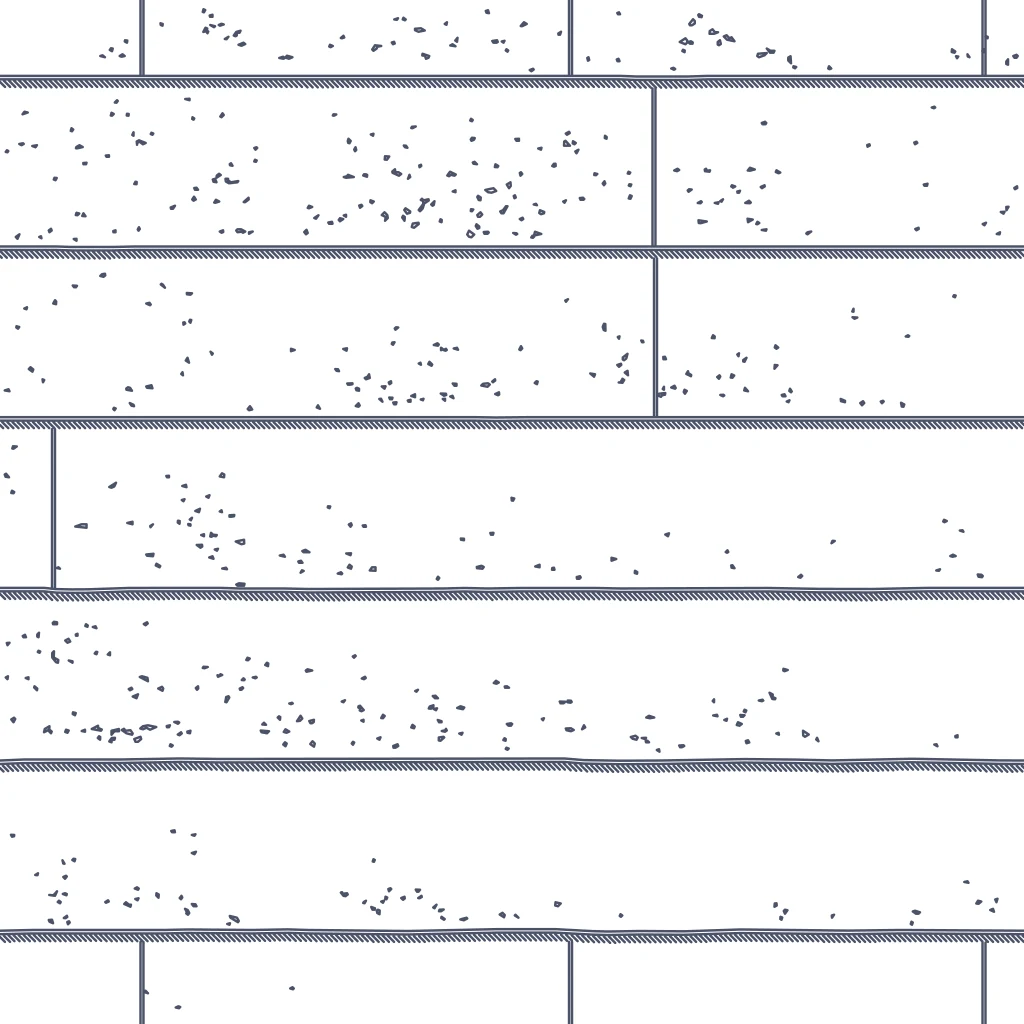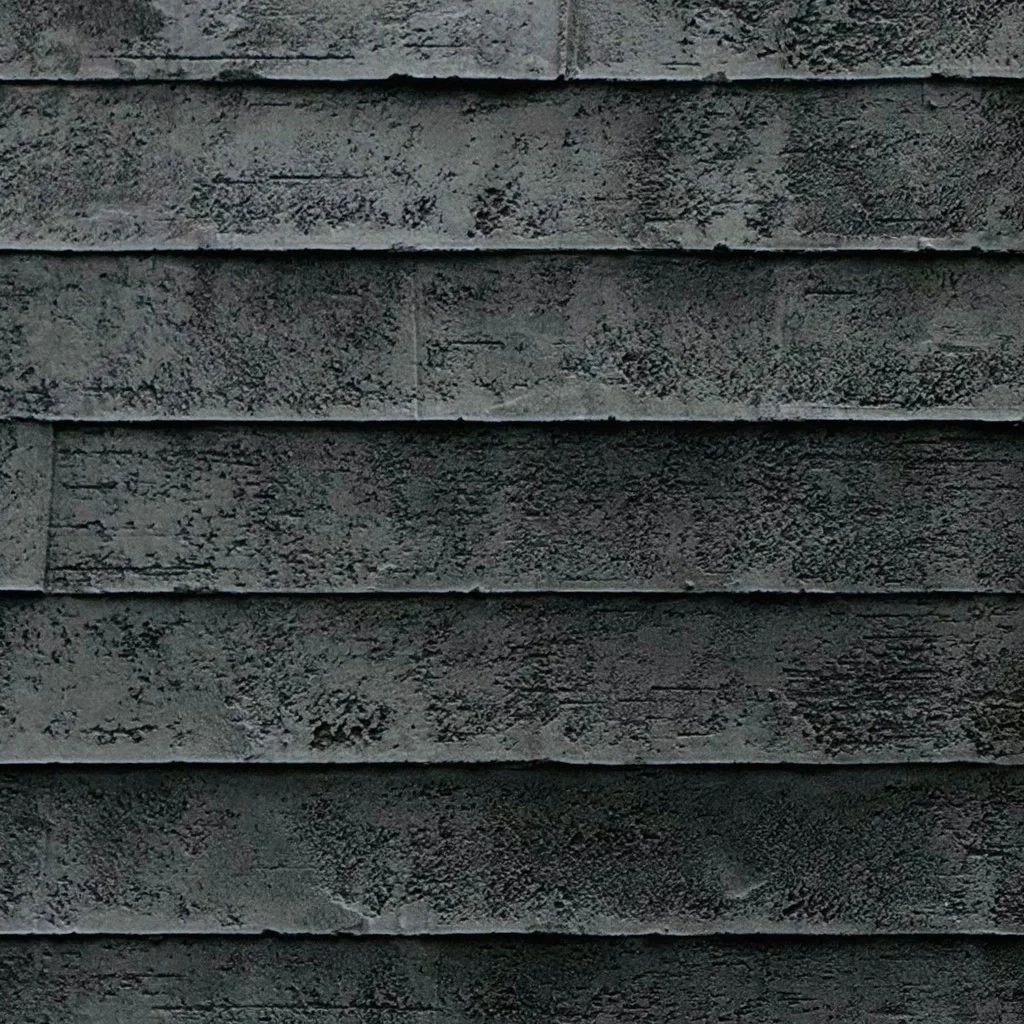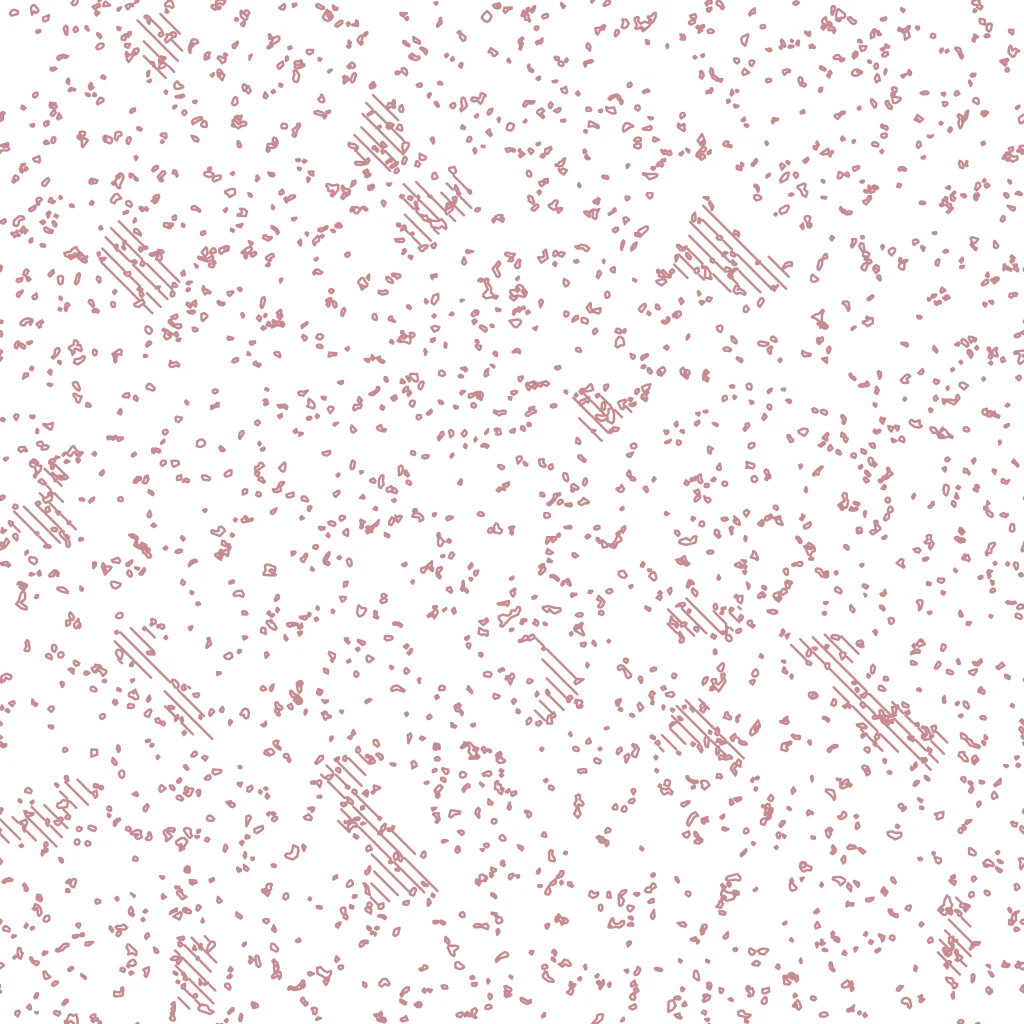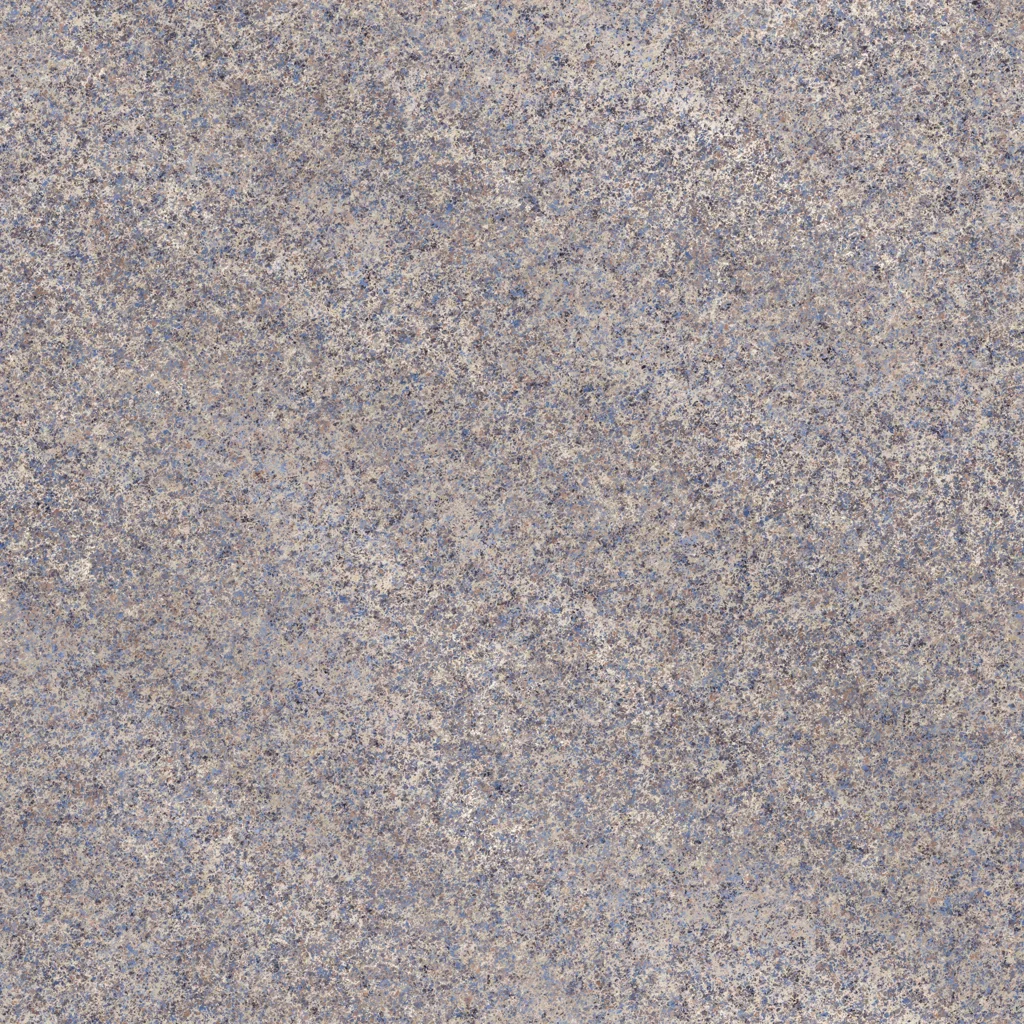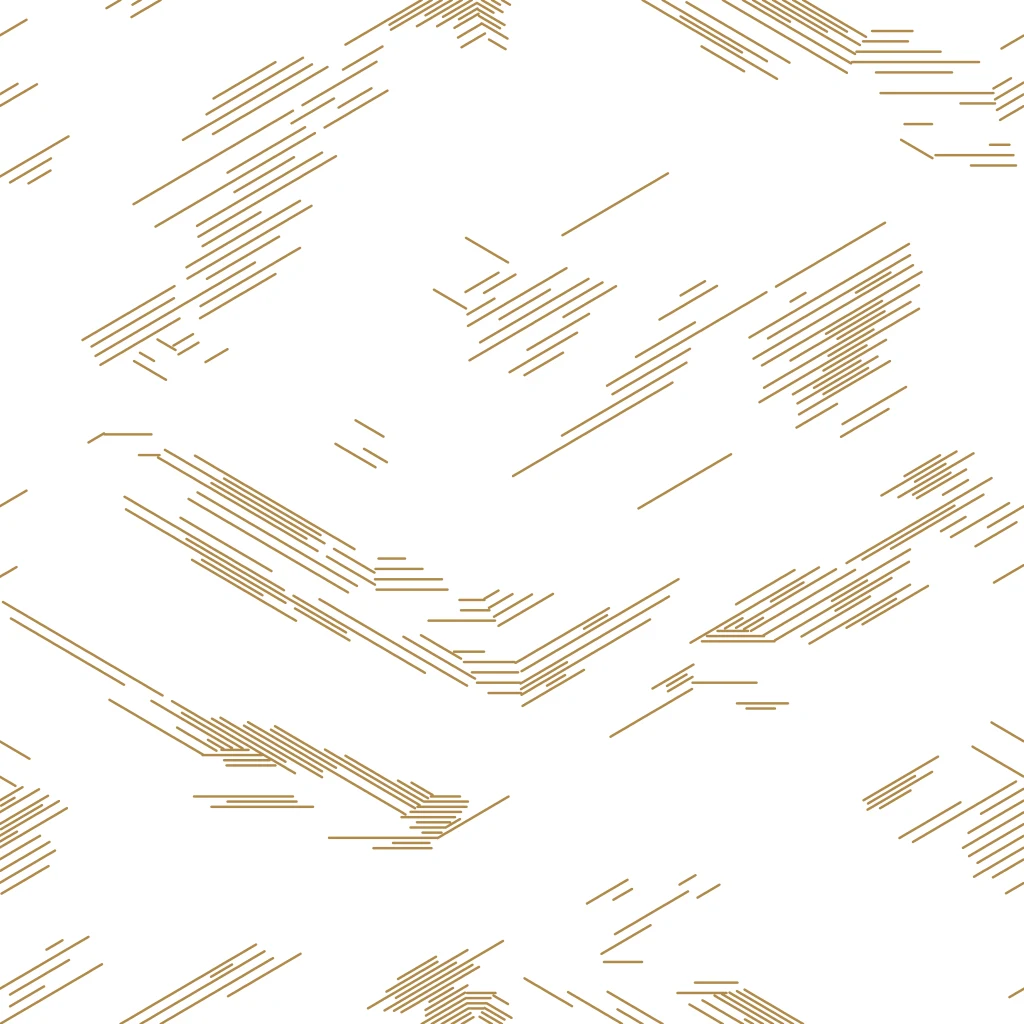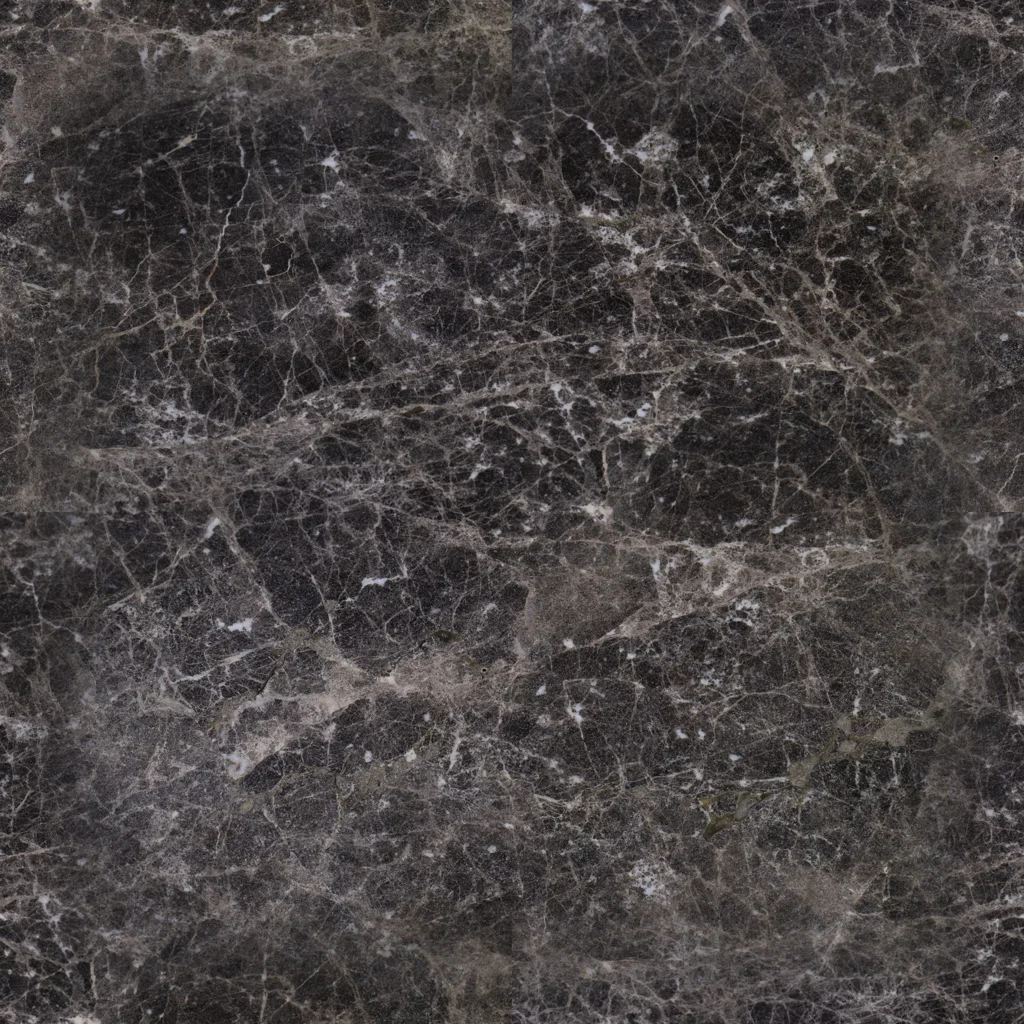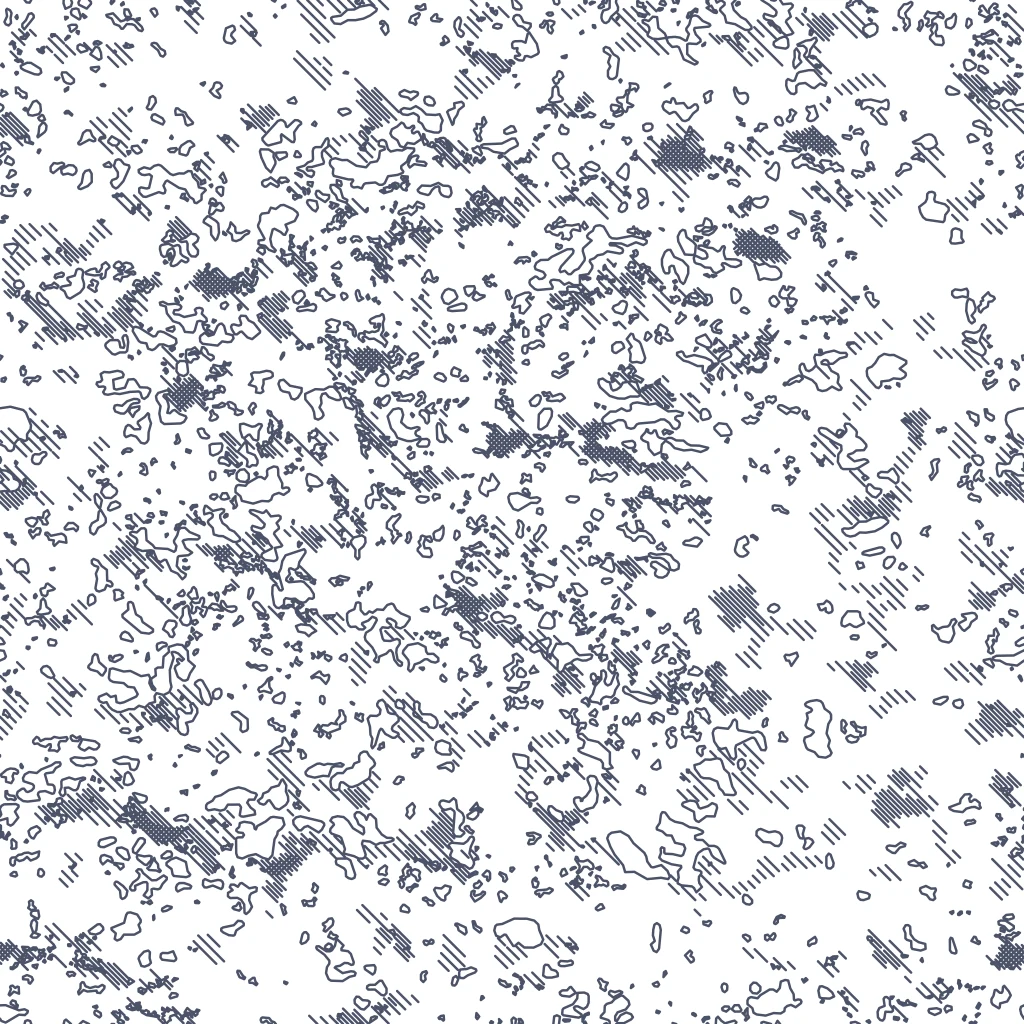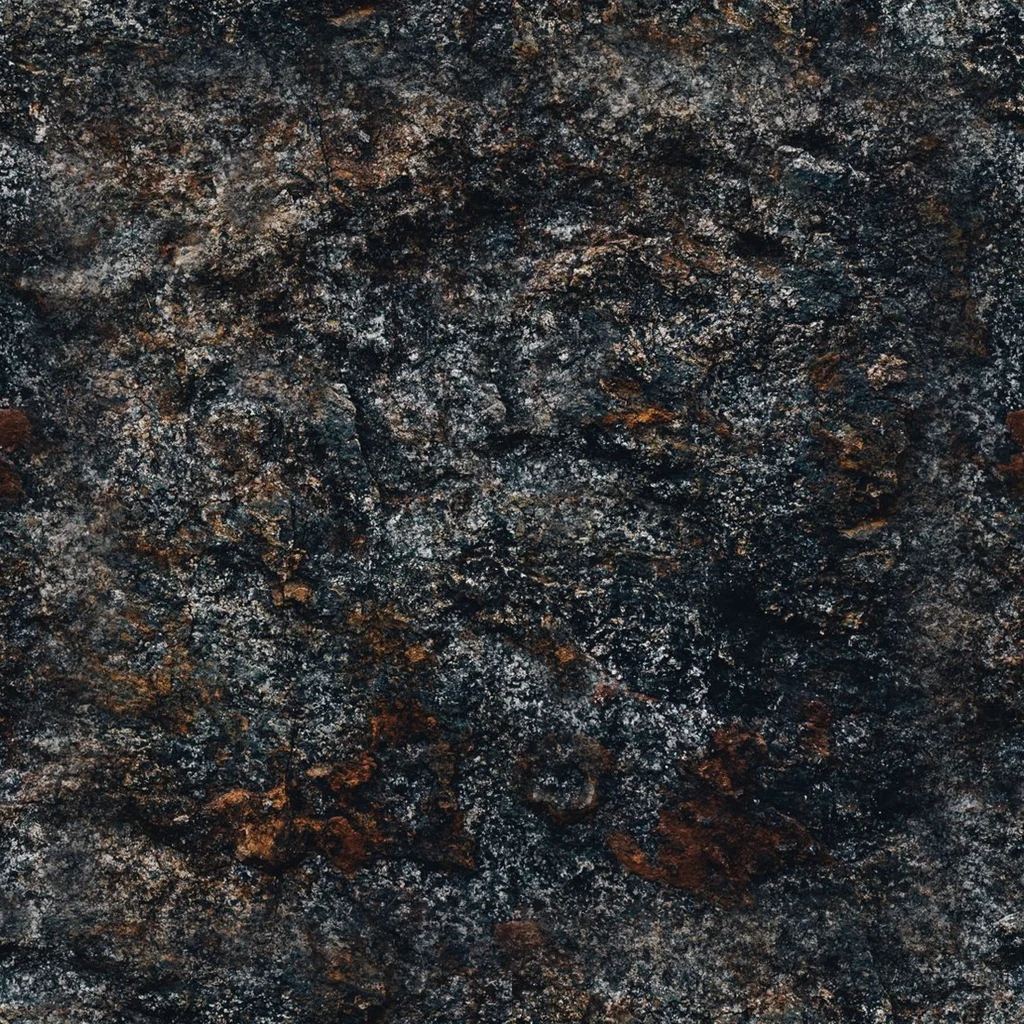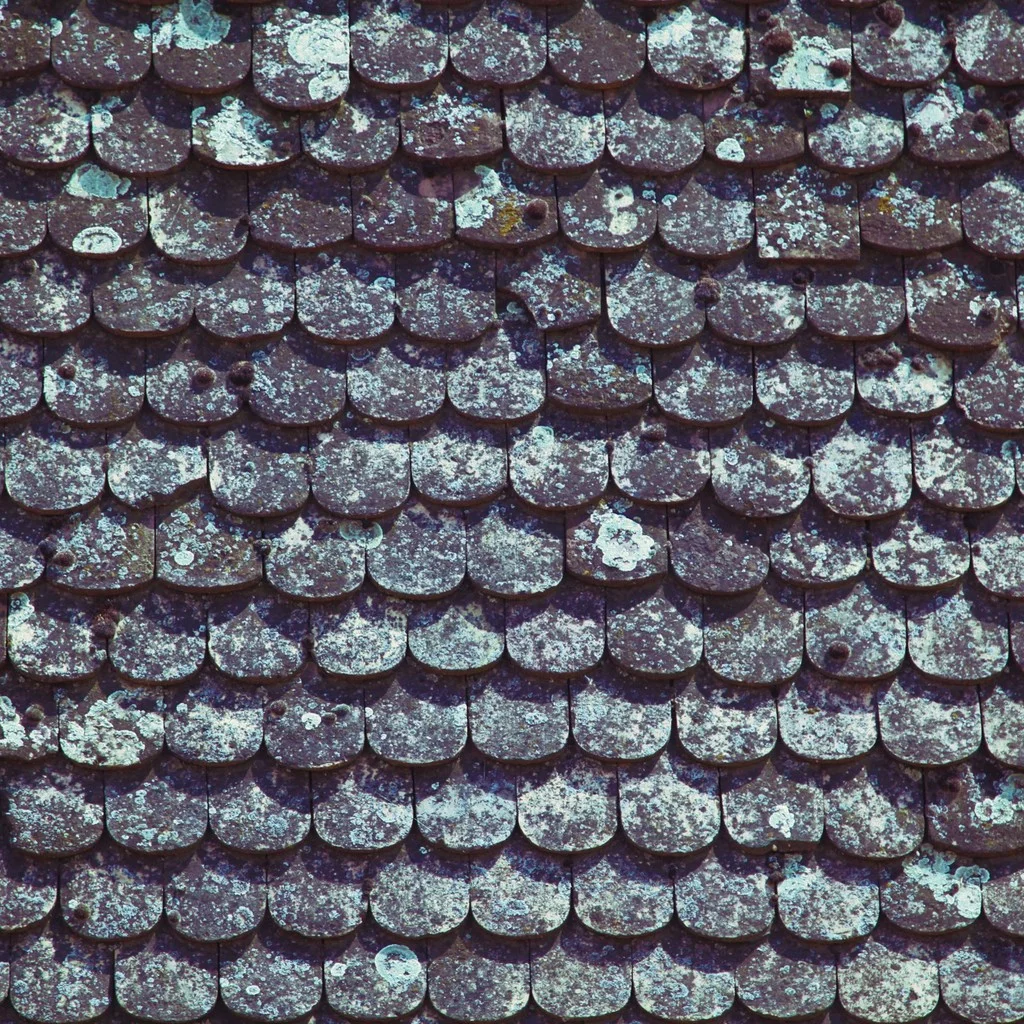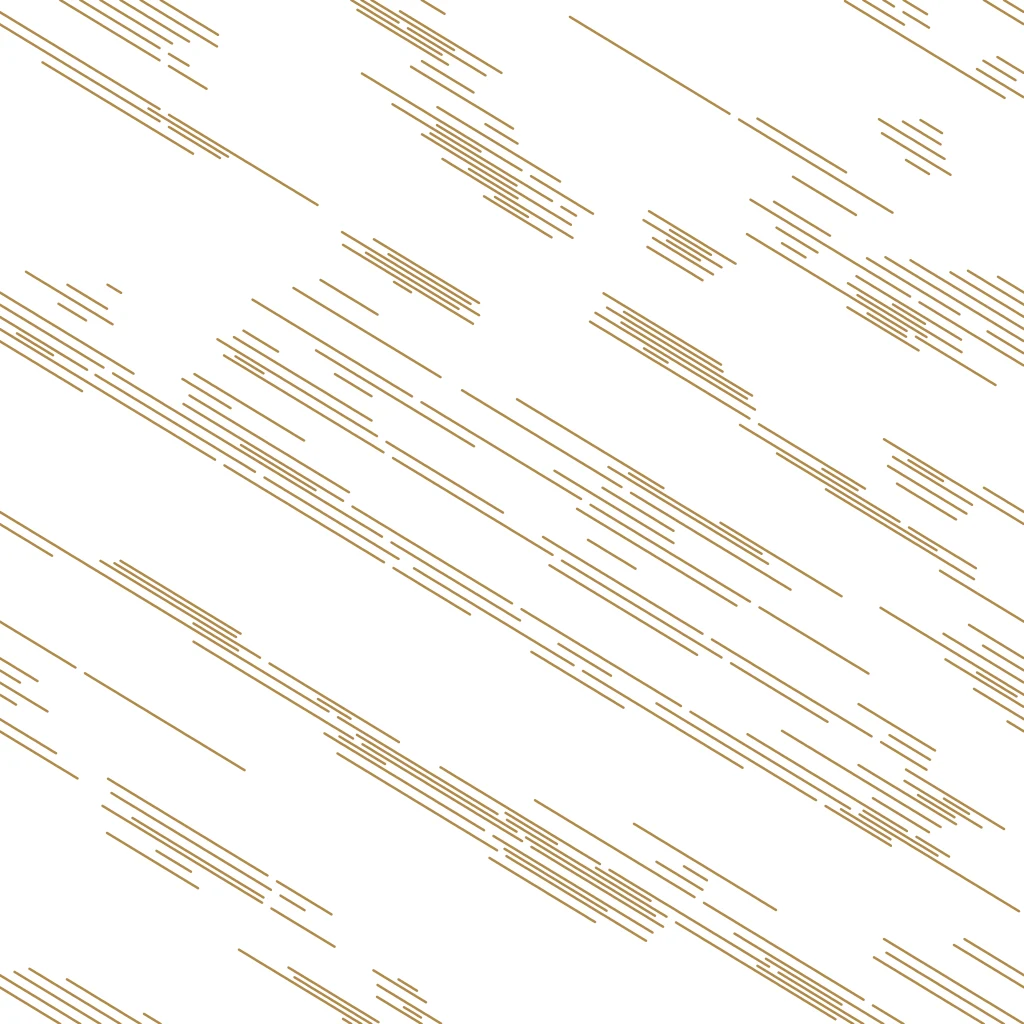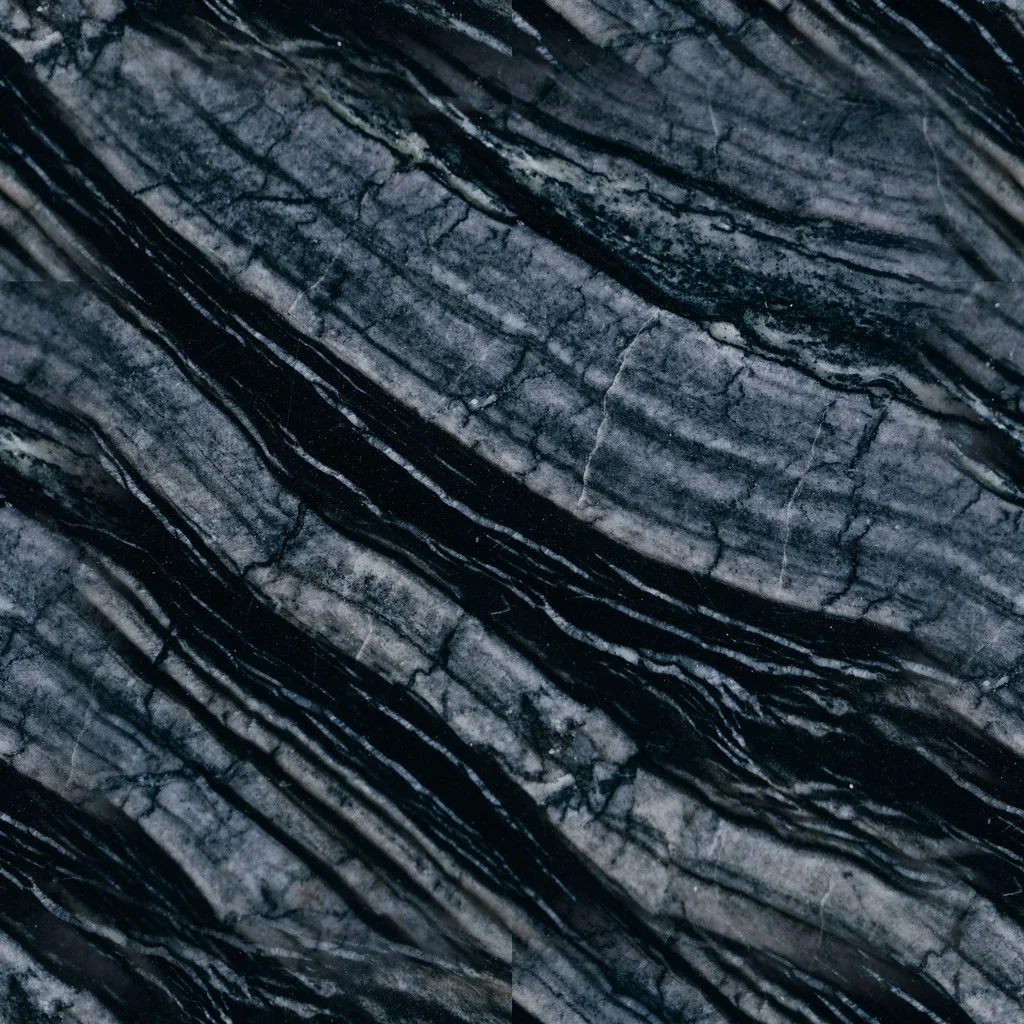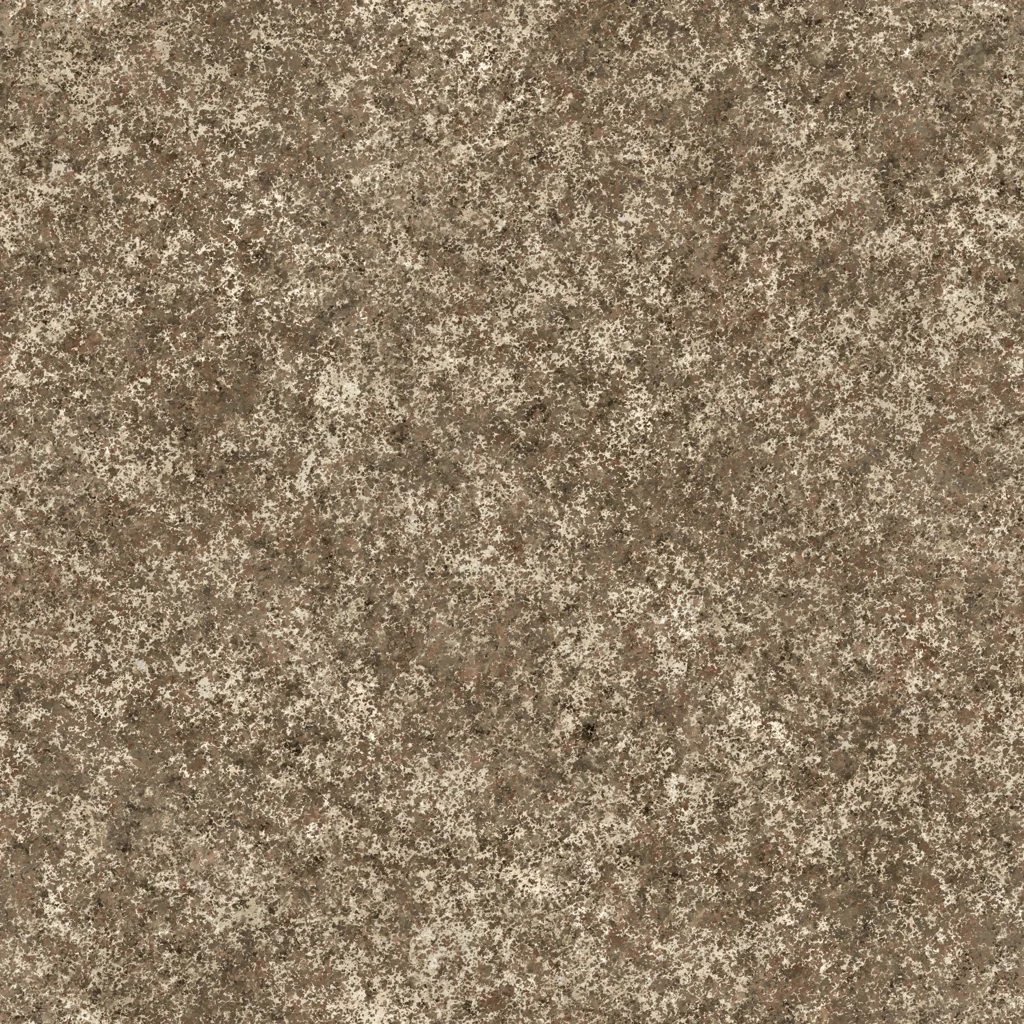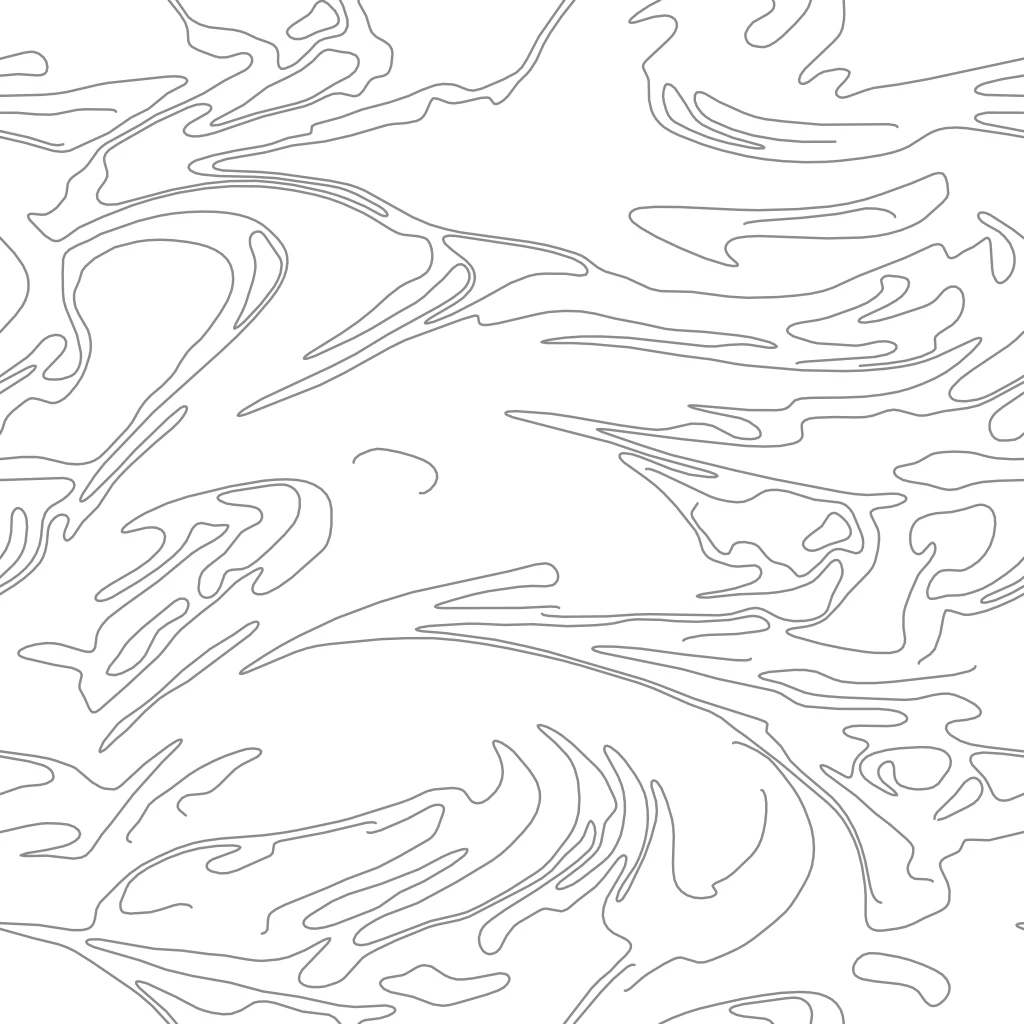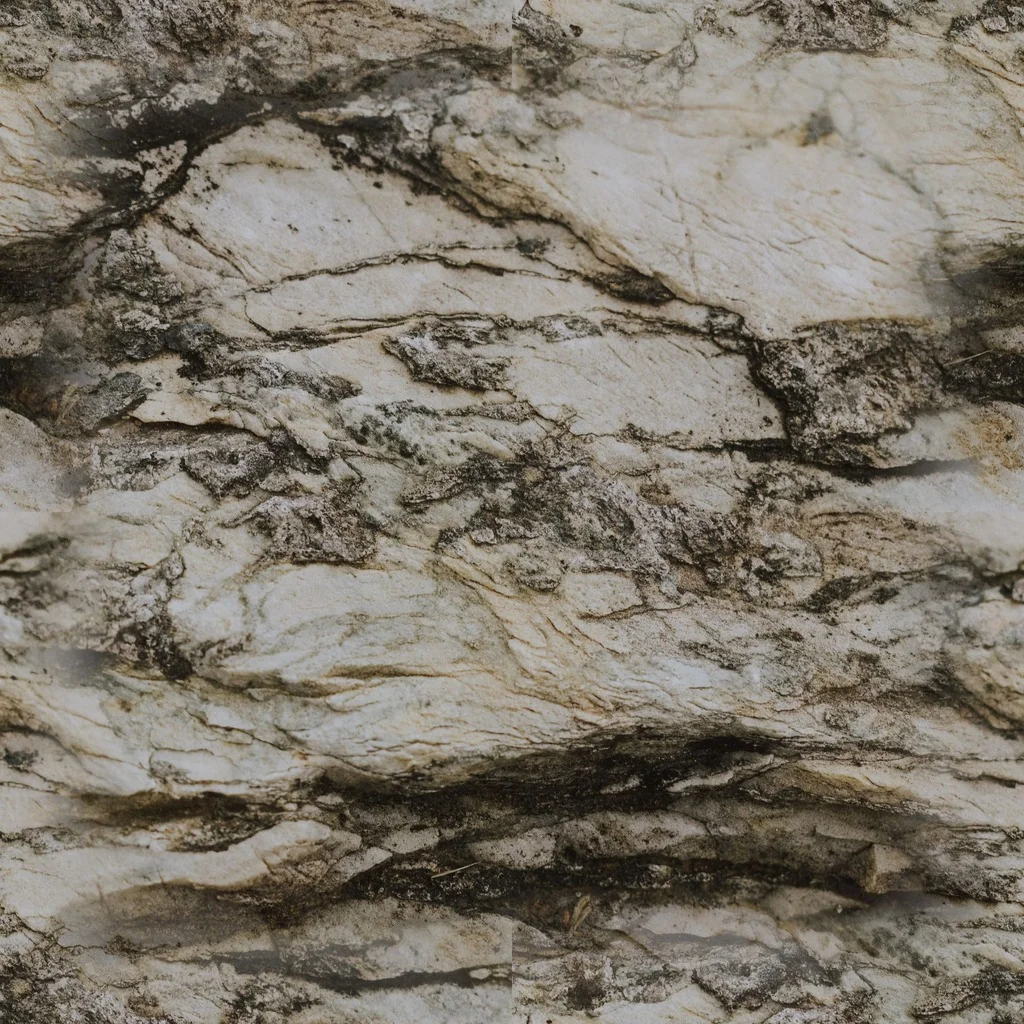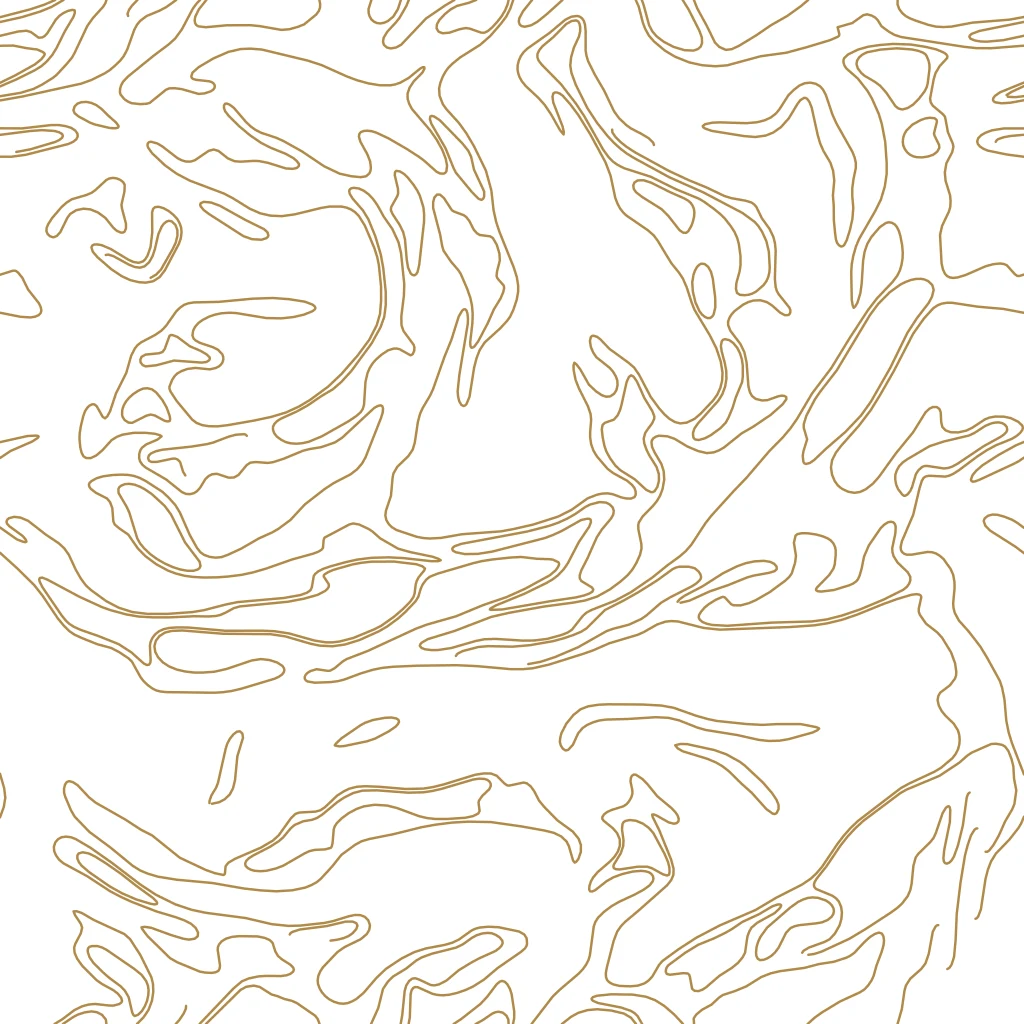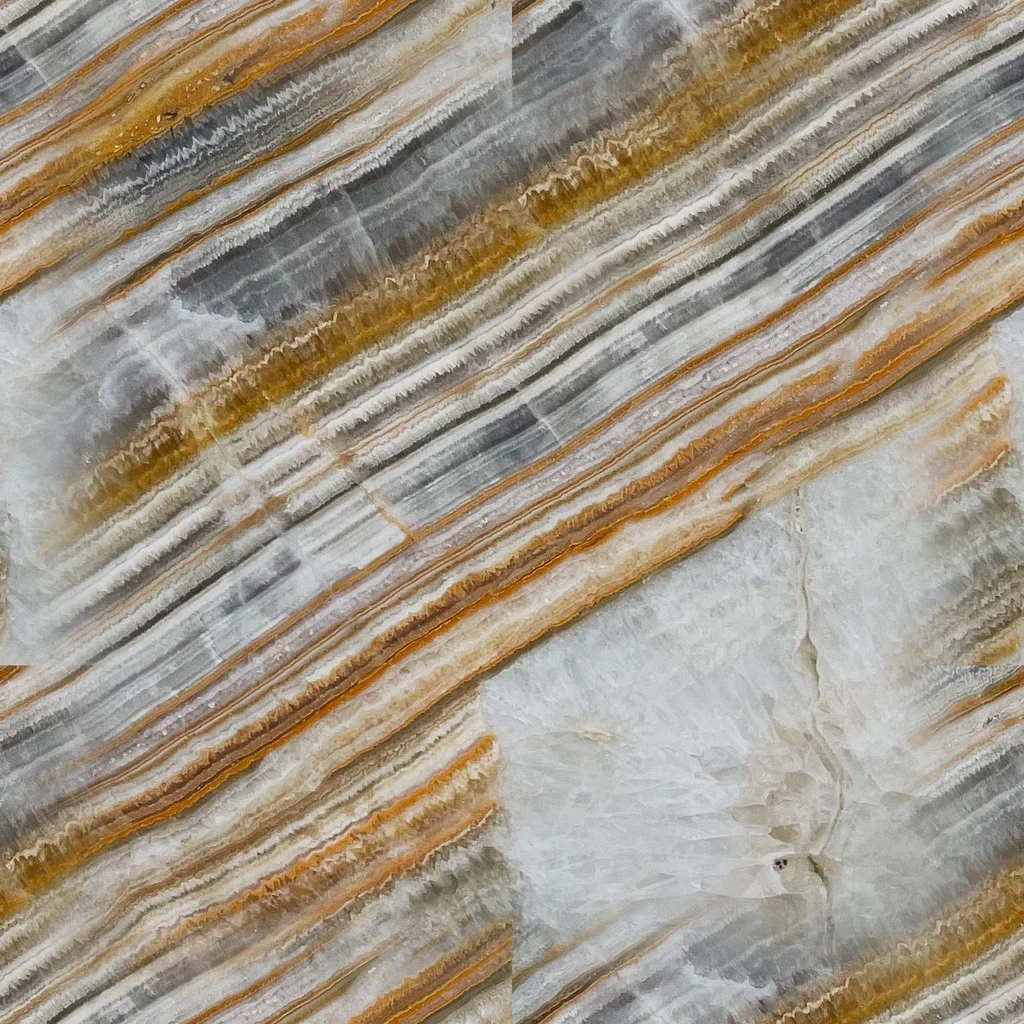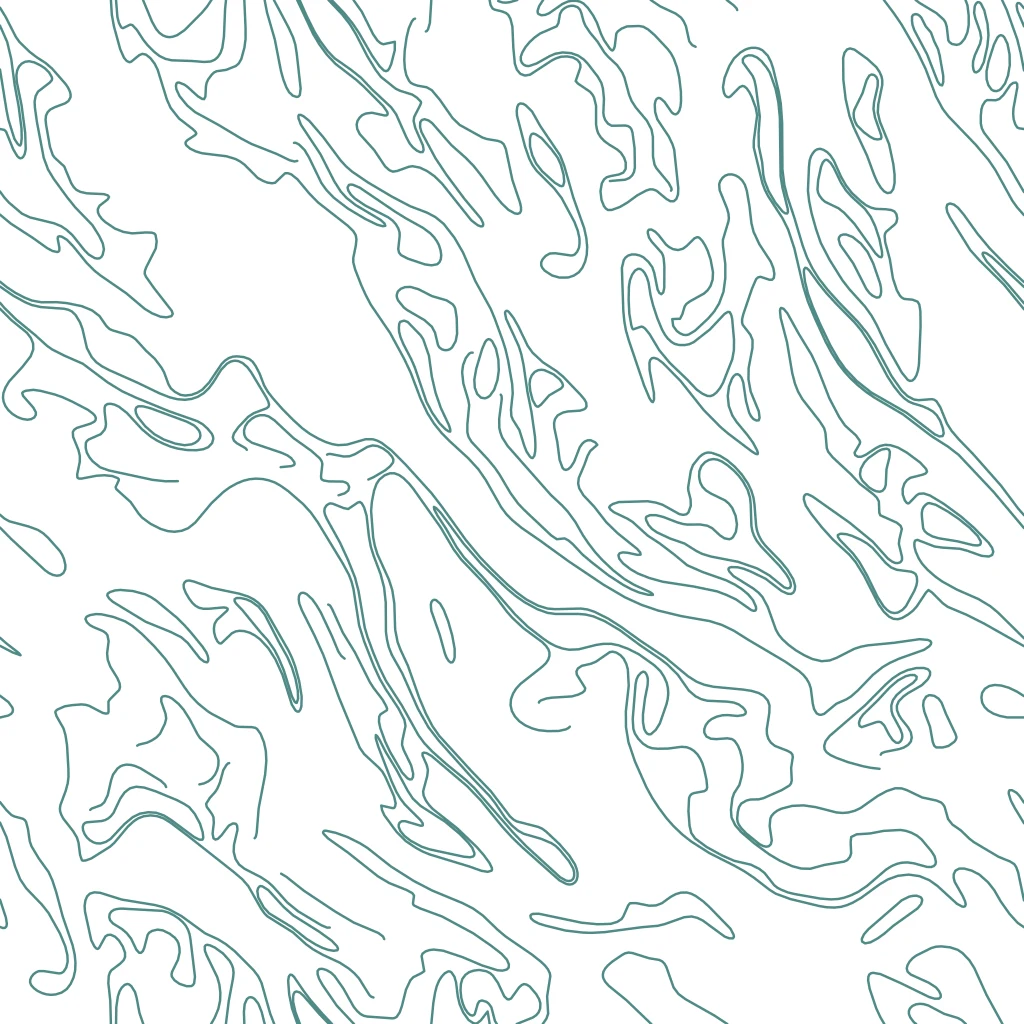
Any material, as a hatch in your plan

0hatches in the library

0categories from natural stone to wood

0clicks to Archicad and Vectorworks

0photo is all it takes for your own hatch

What you can draw with it

The same plan, once with lines only and once with hatches from Hatched. Drag the slider, tap a name.

Construction detail

A construction detail in axonometric view, drawn with hatches from the library.

Floor plan

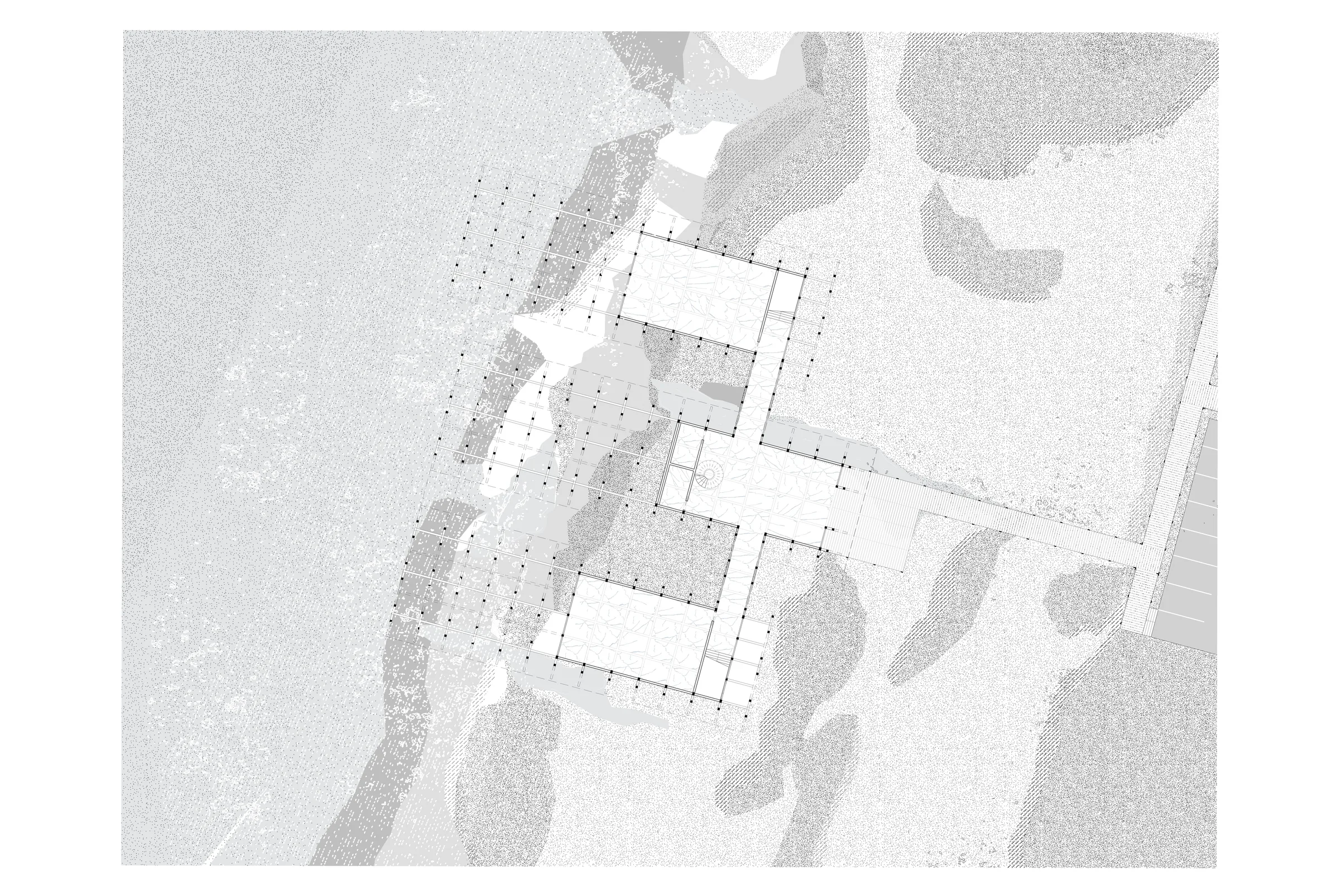
A courtyard with paving, plants and furniture, the areas filled with hatches from the library.

The library

0hatches

Explore the library

Create your own hatch with

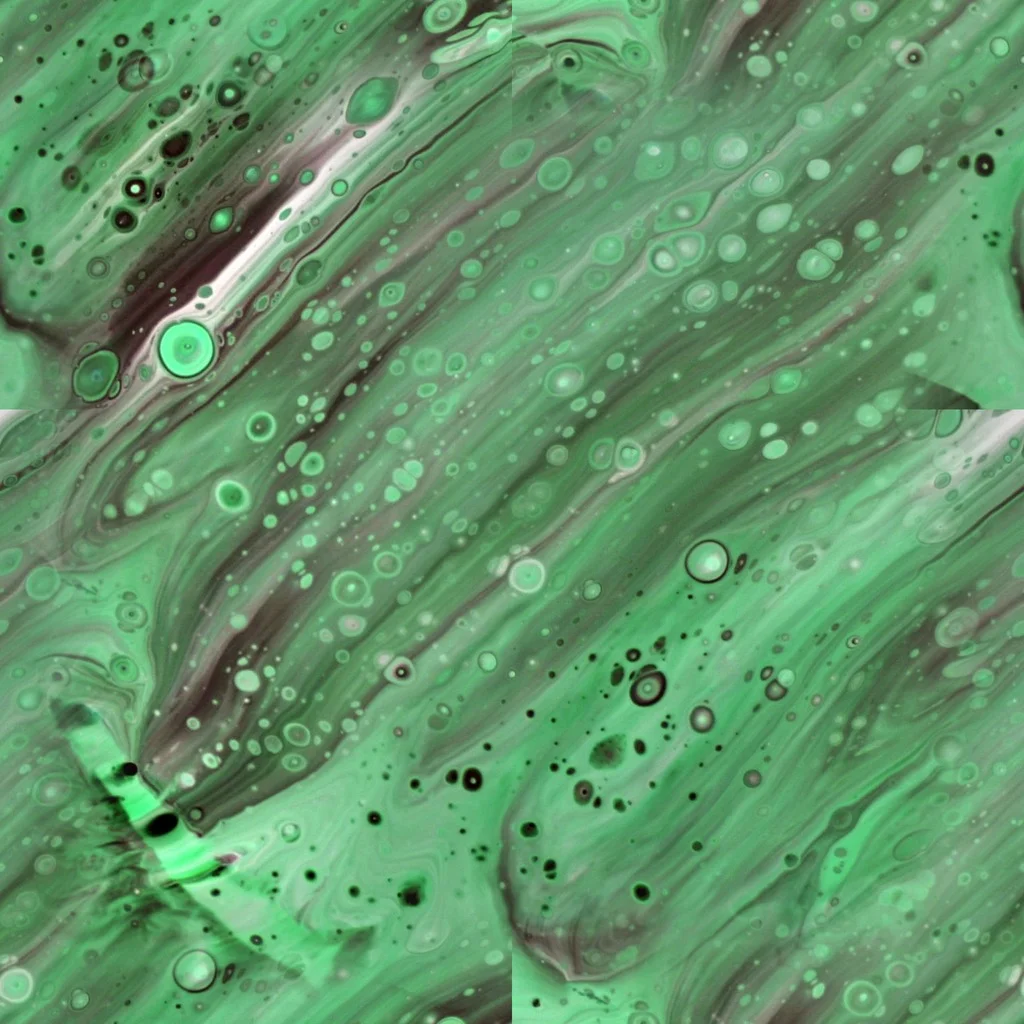
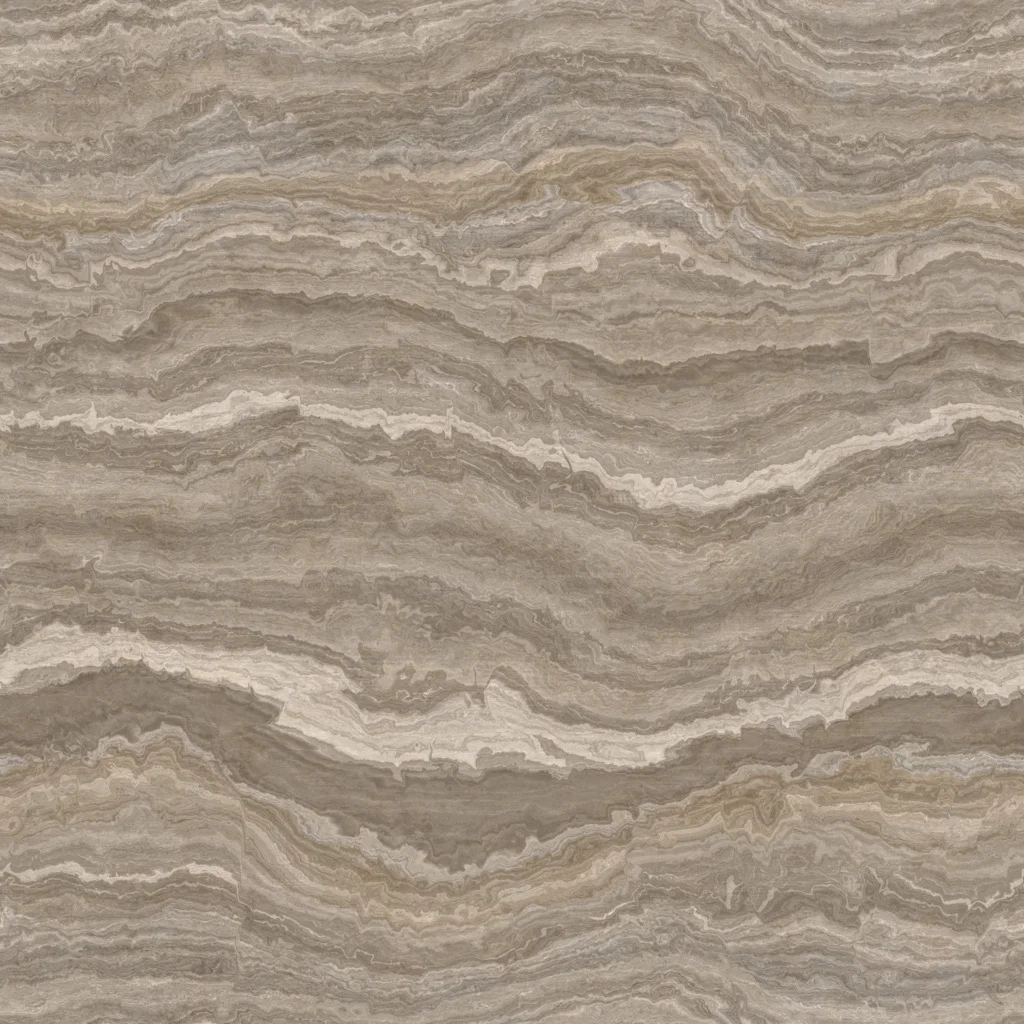
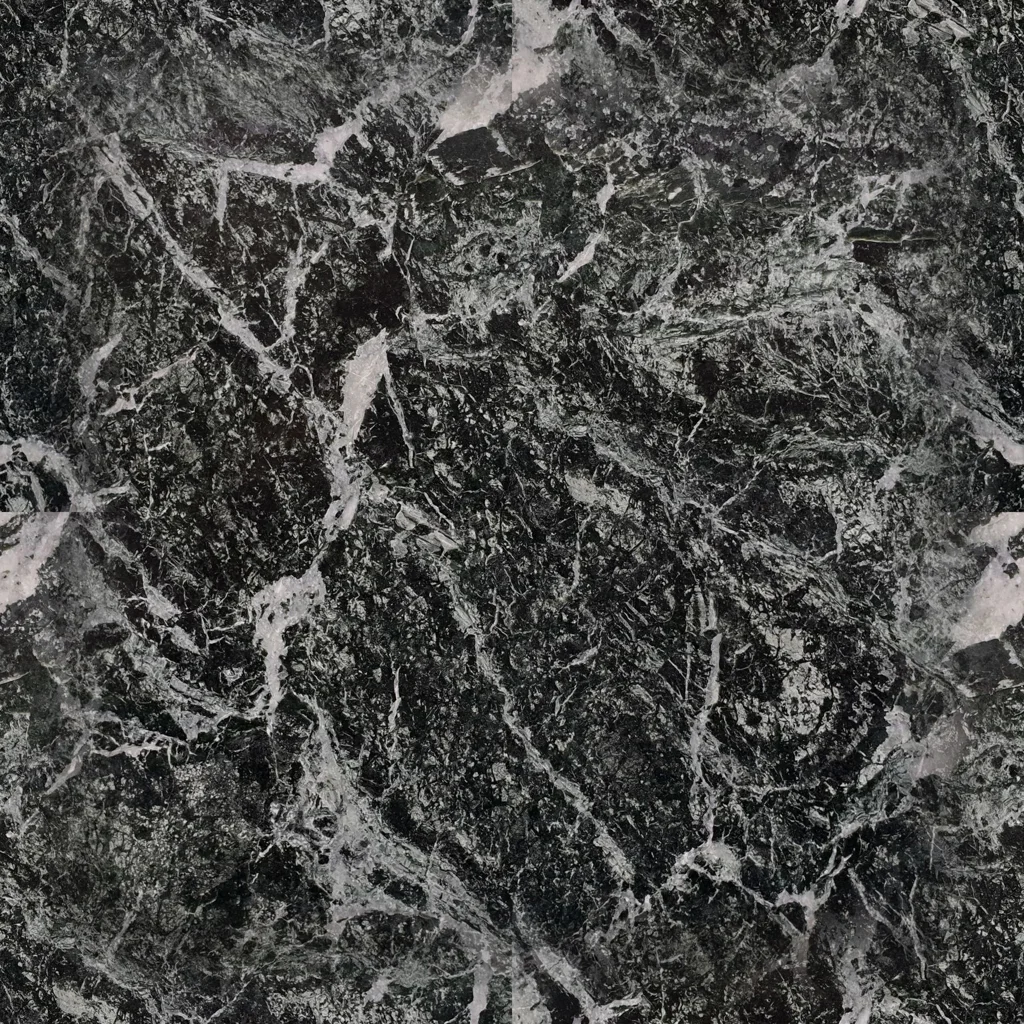
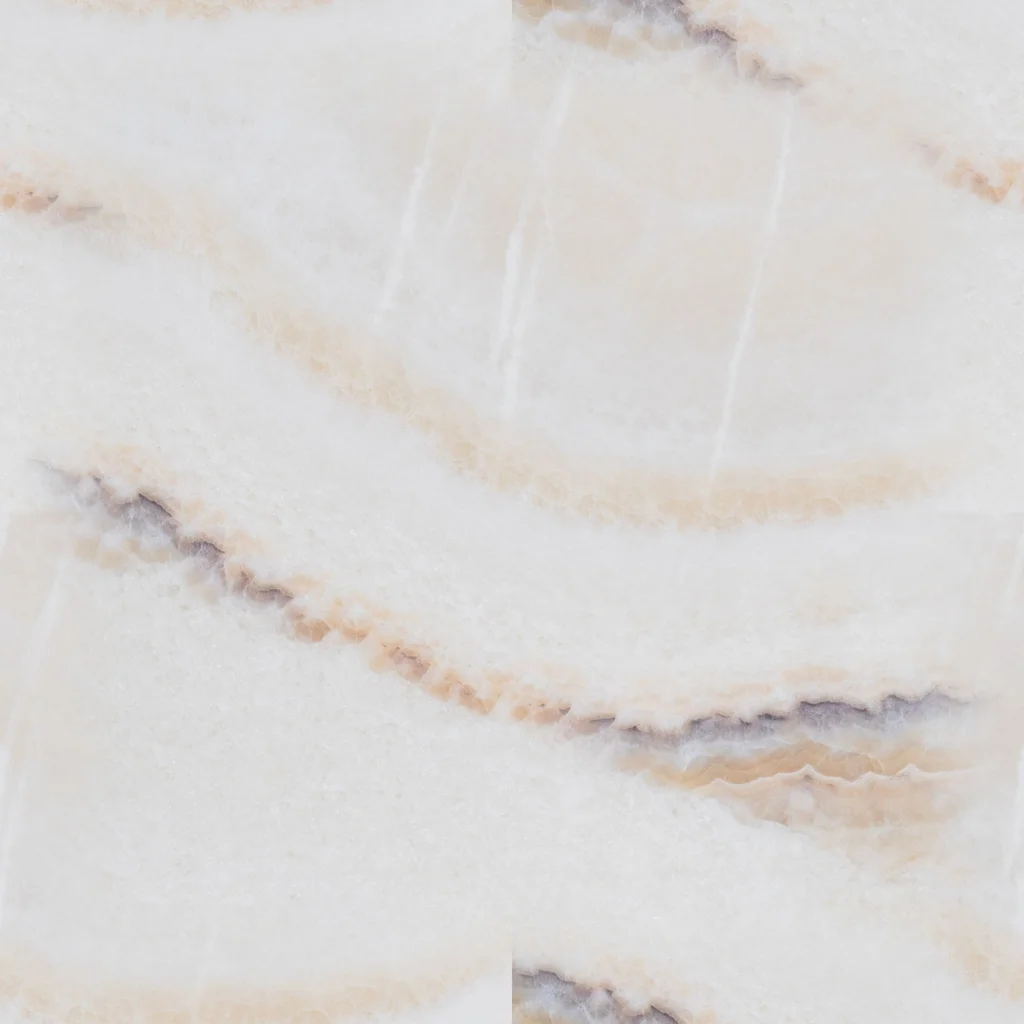
Let the AI draw a hatch from your photo

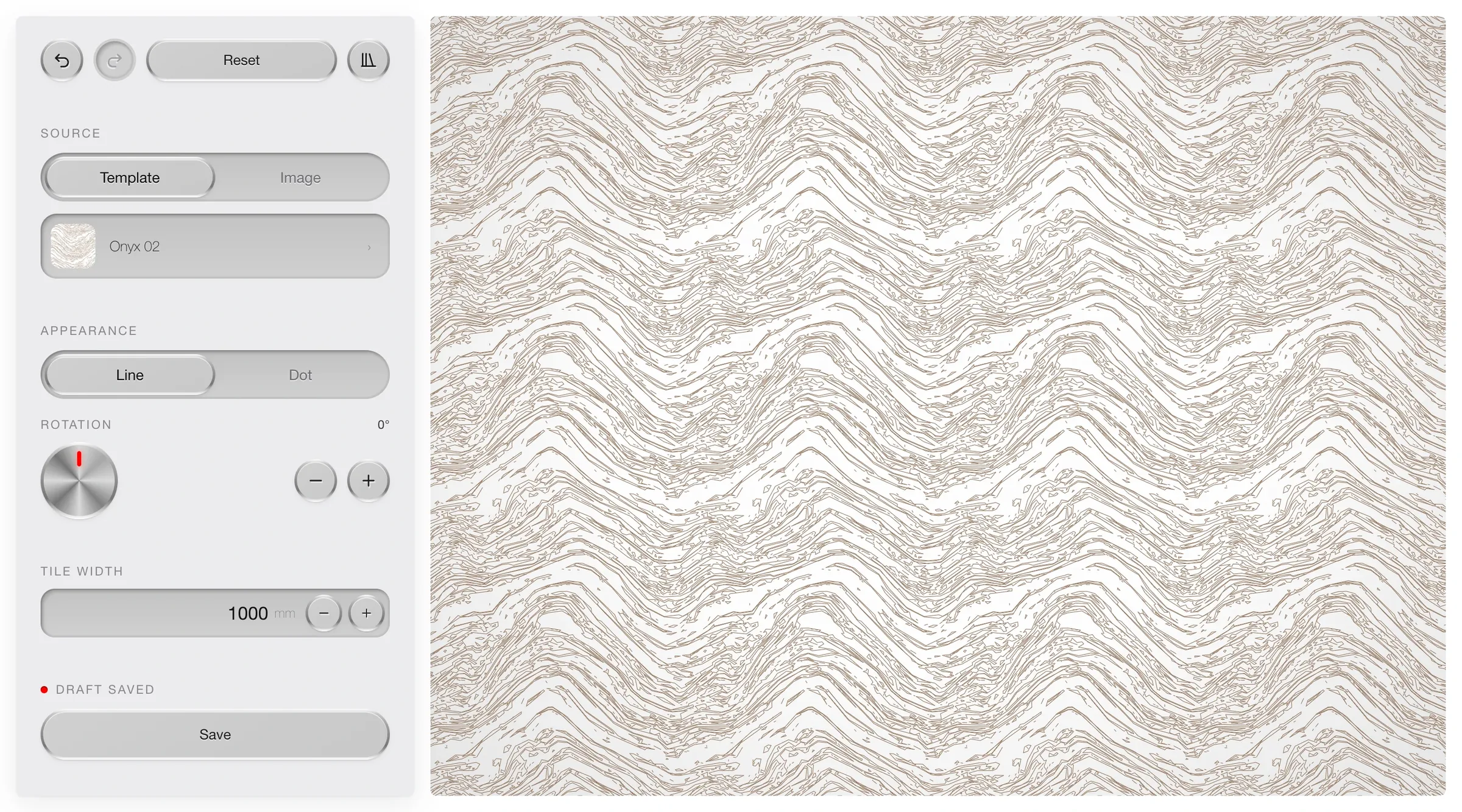
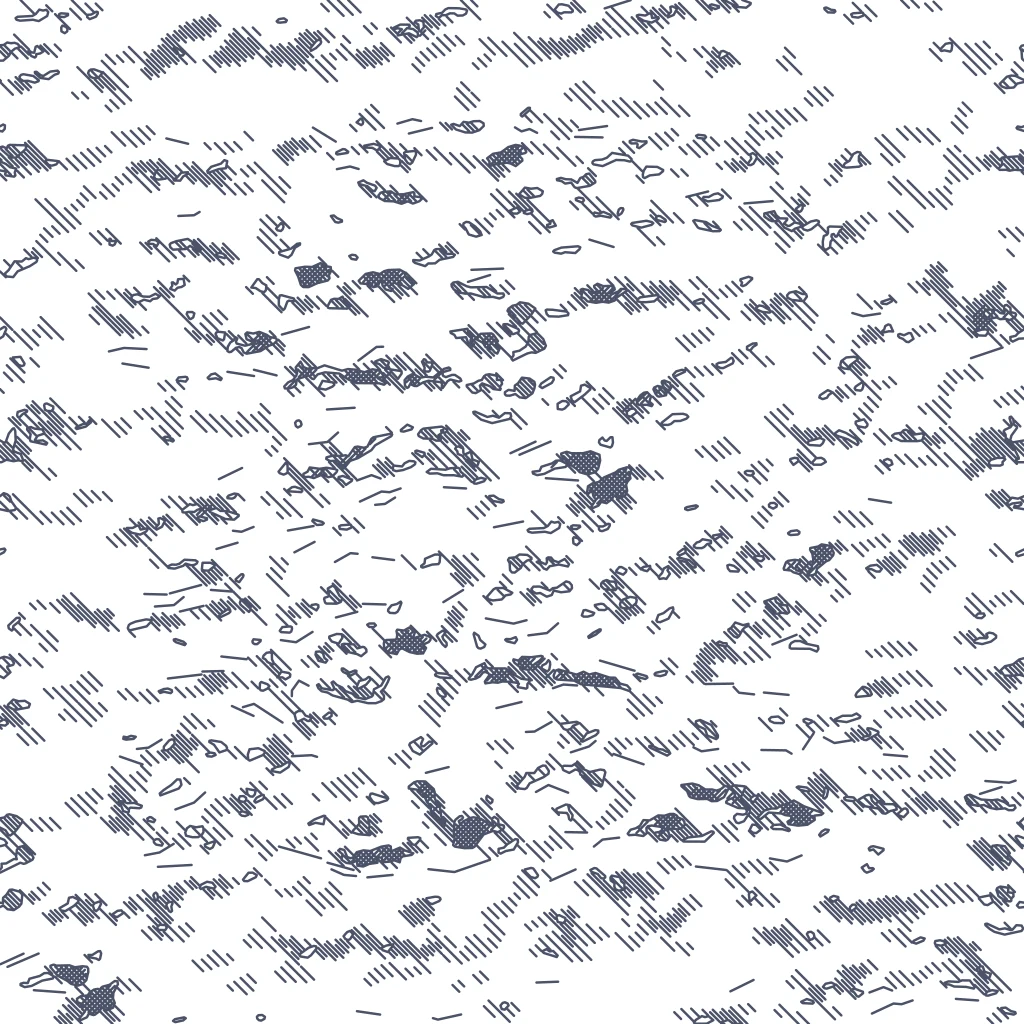
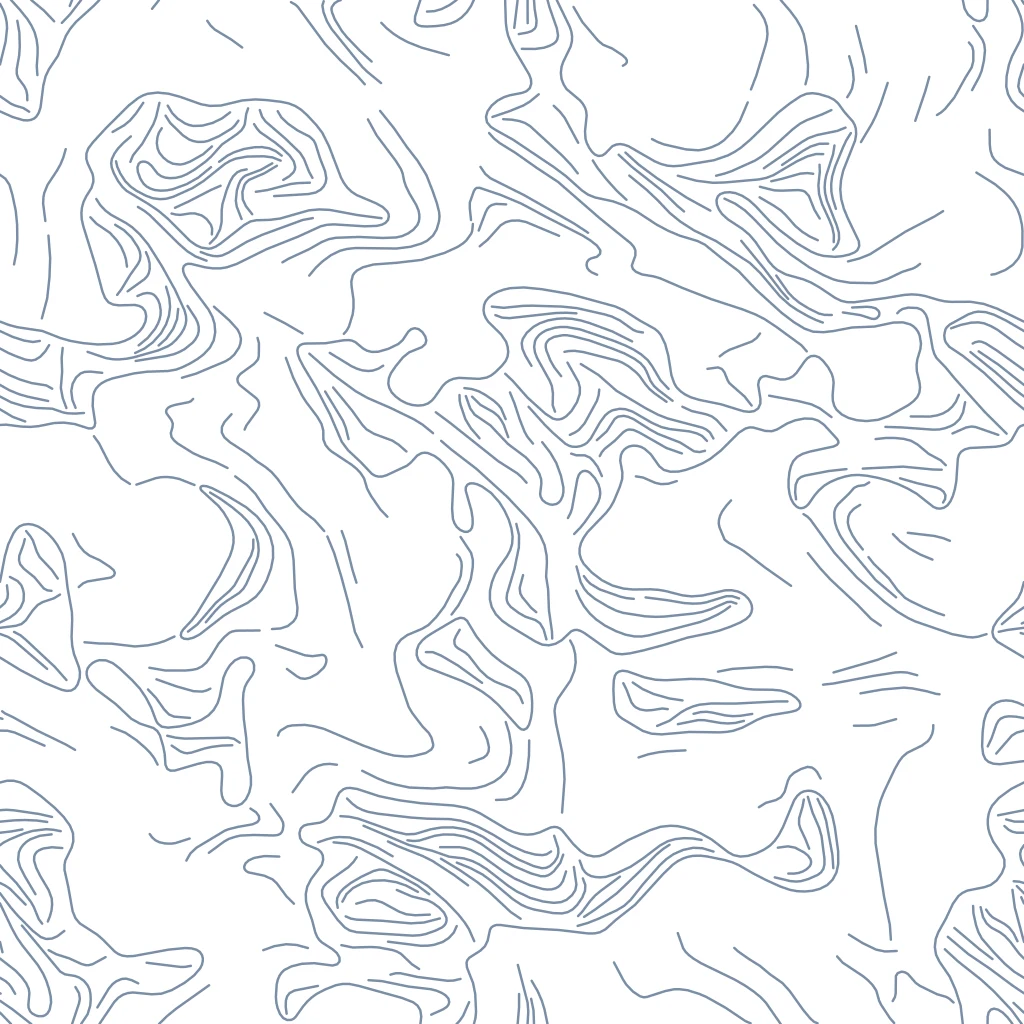
The Hatched generator with the hatch Onyx 02

Or adjust hatches from the library in the generator

Edit the arrangement by hand, stone by stone

Try it now

FAQ

What do you want to know

What is Hatched?

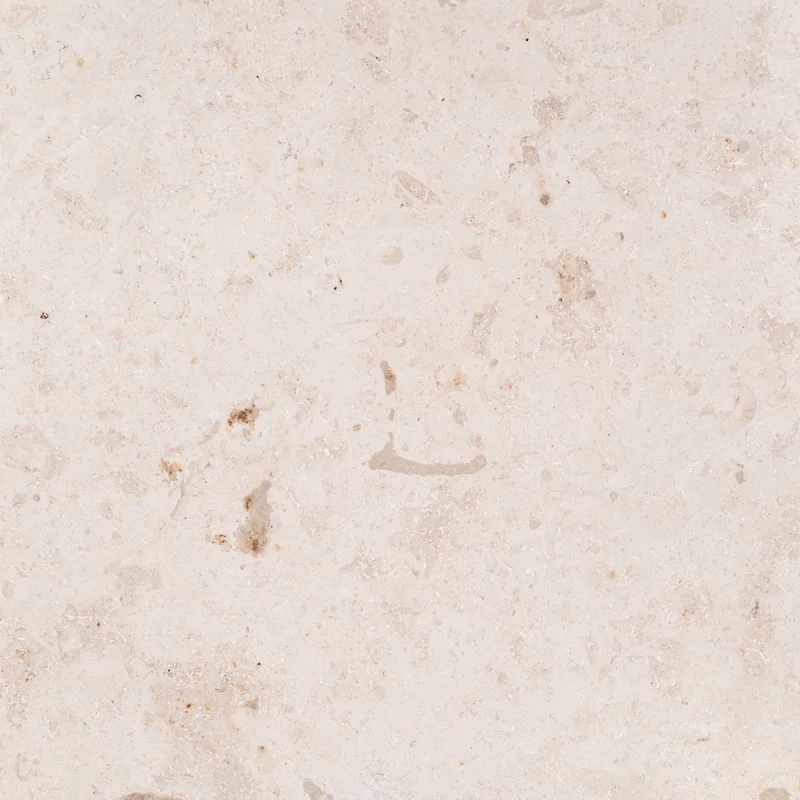
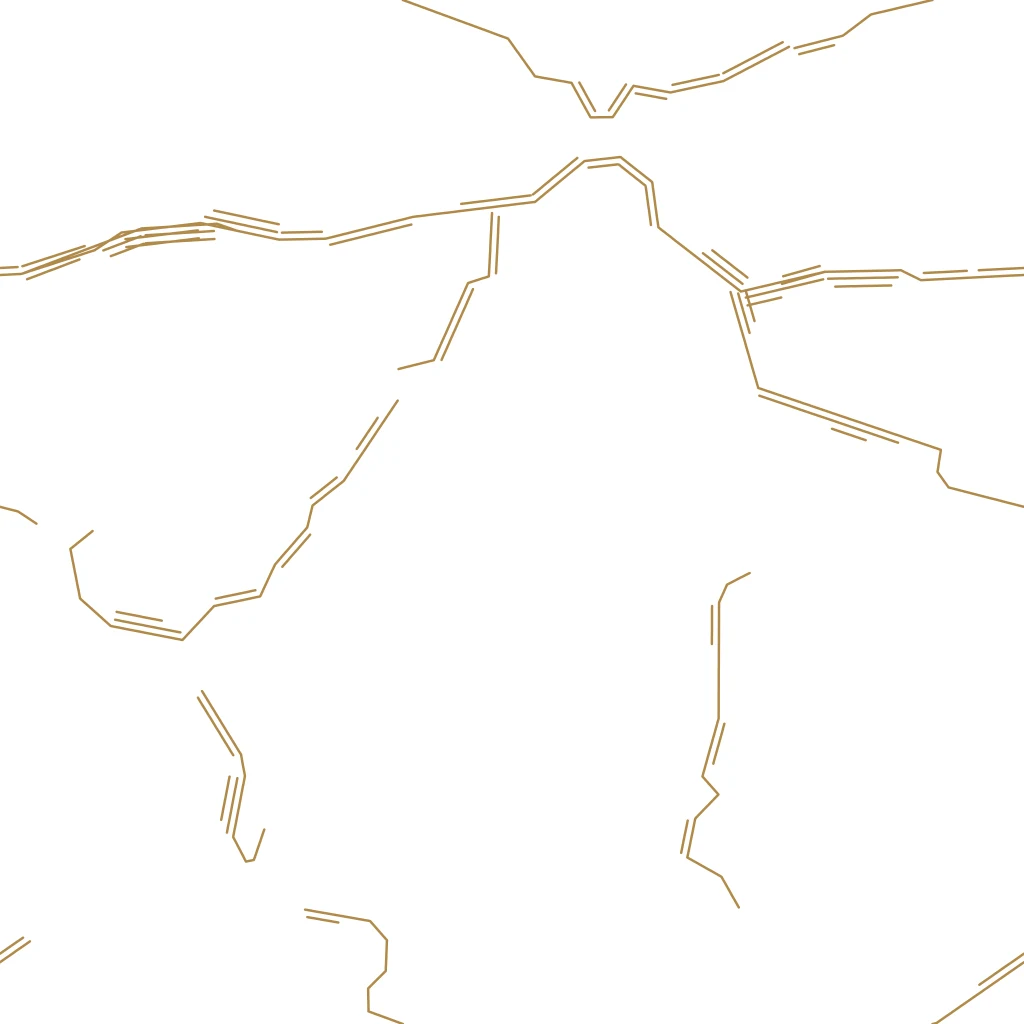
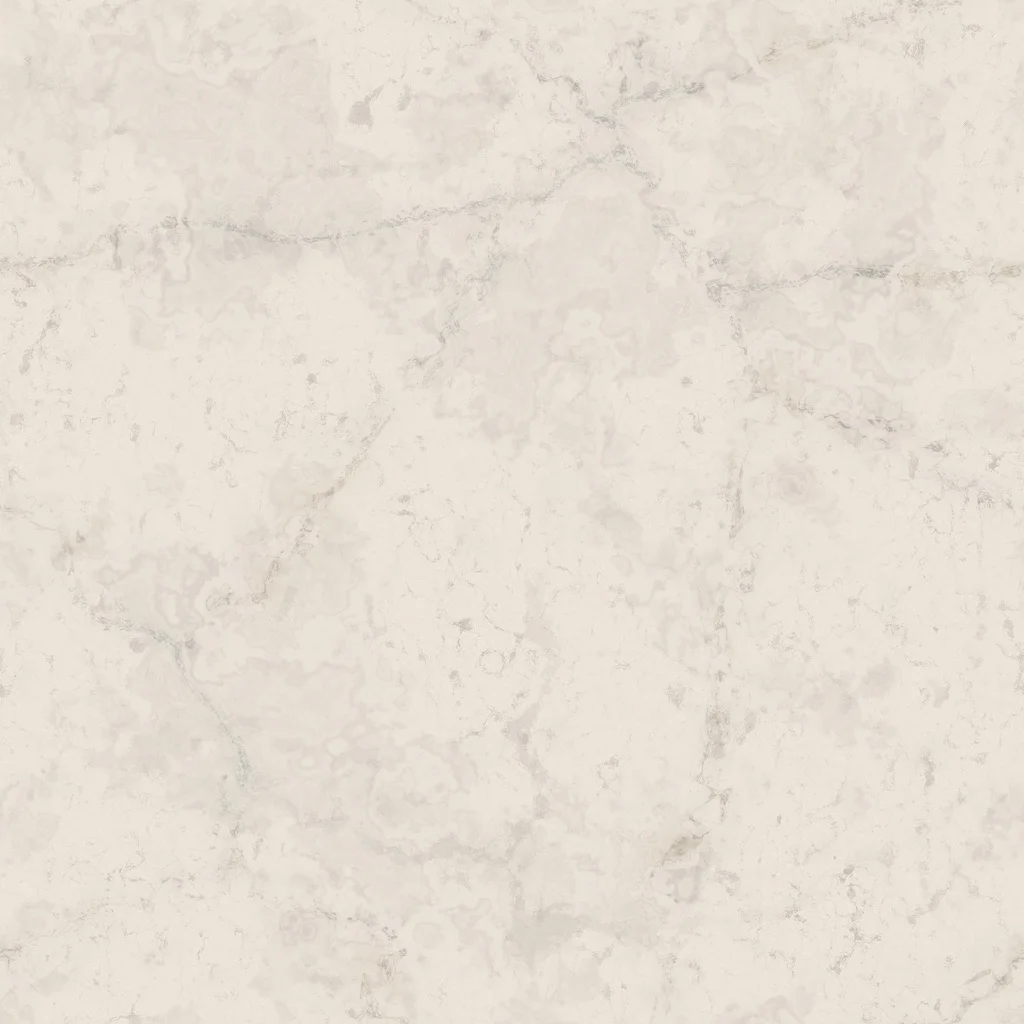
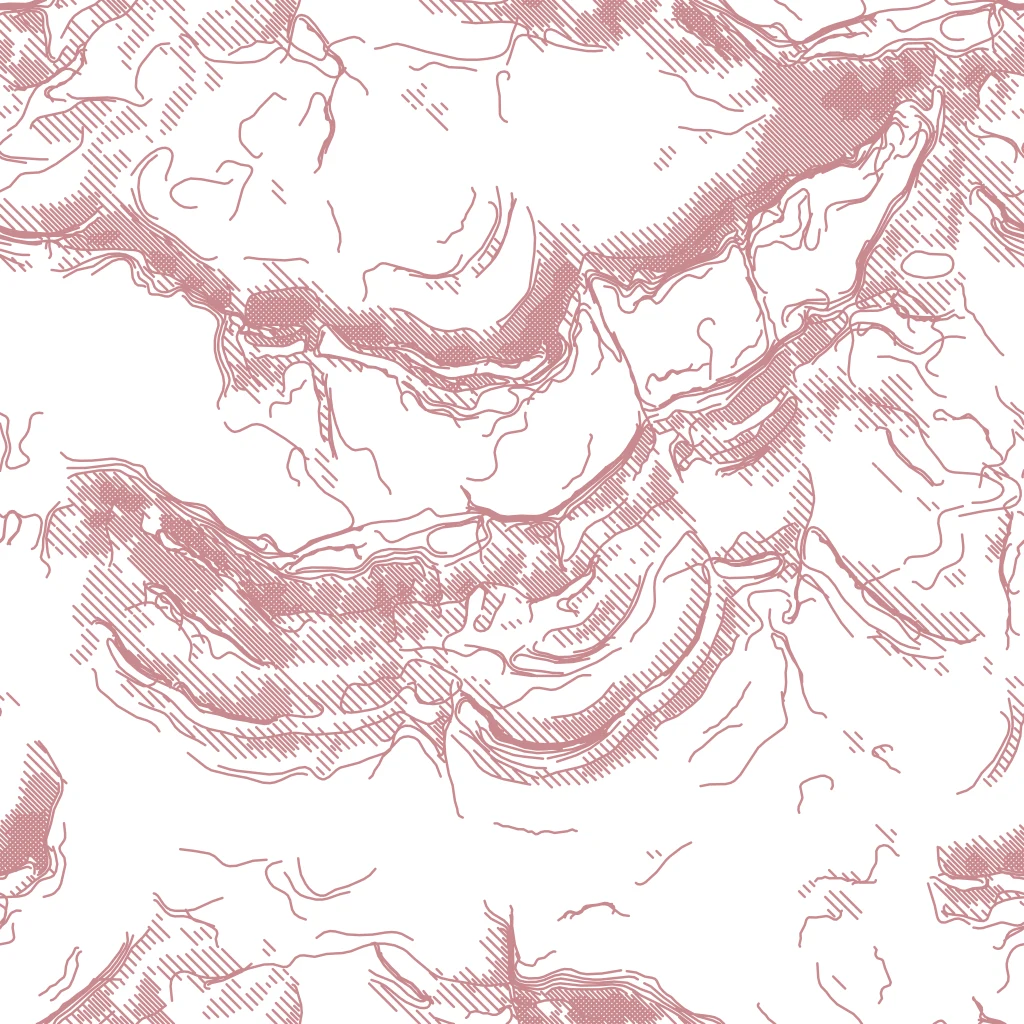
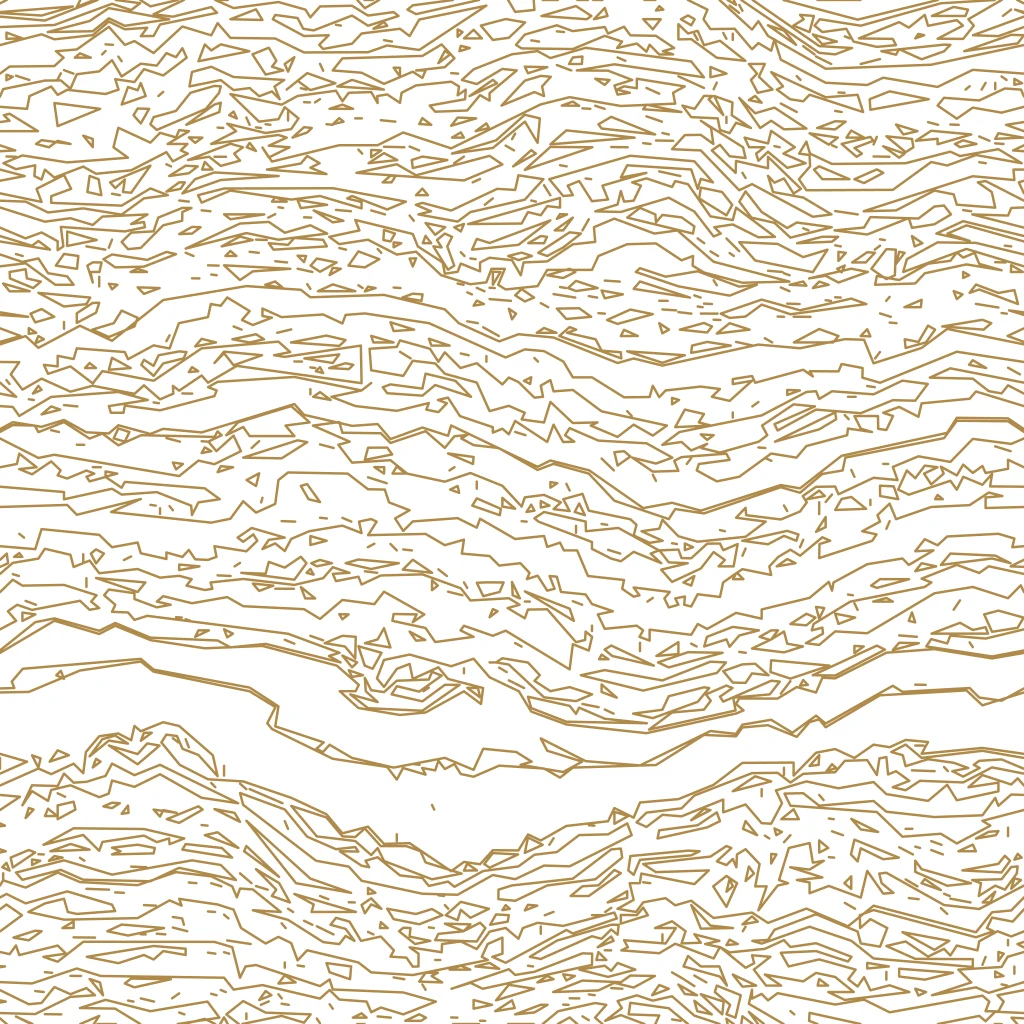
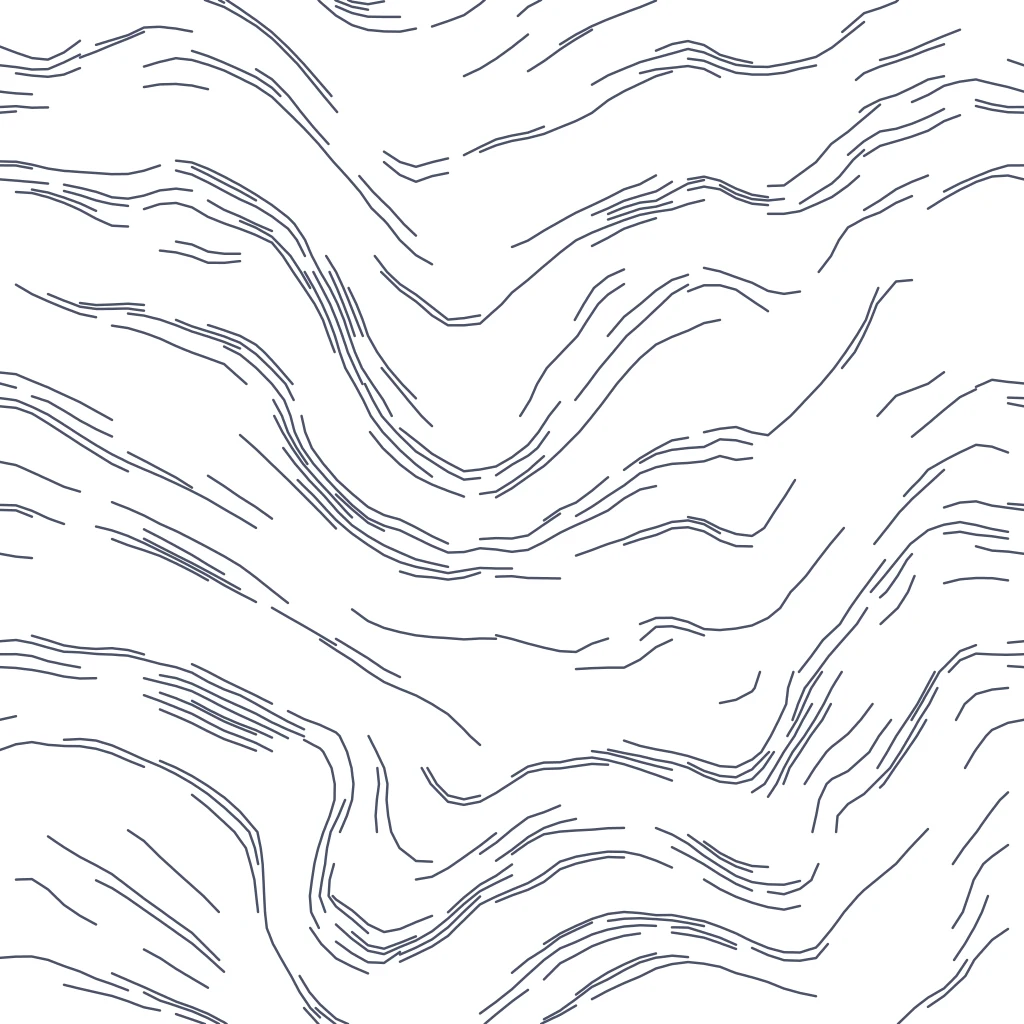
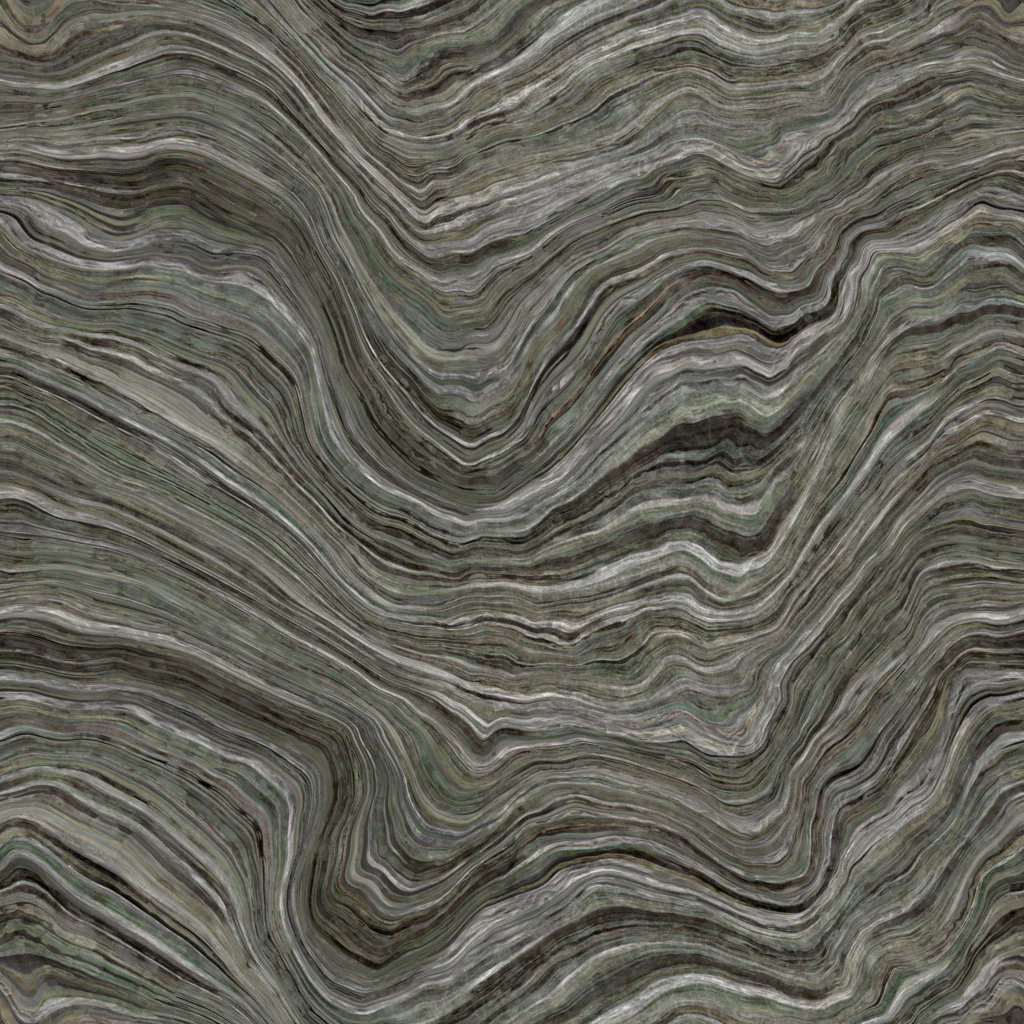
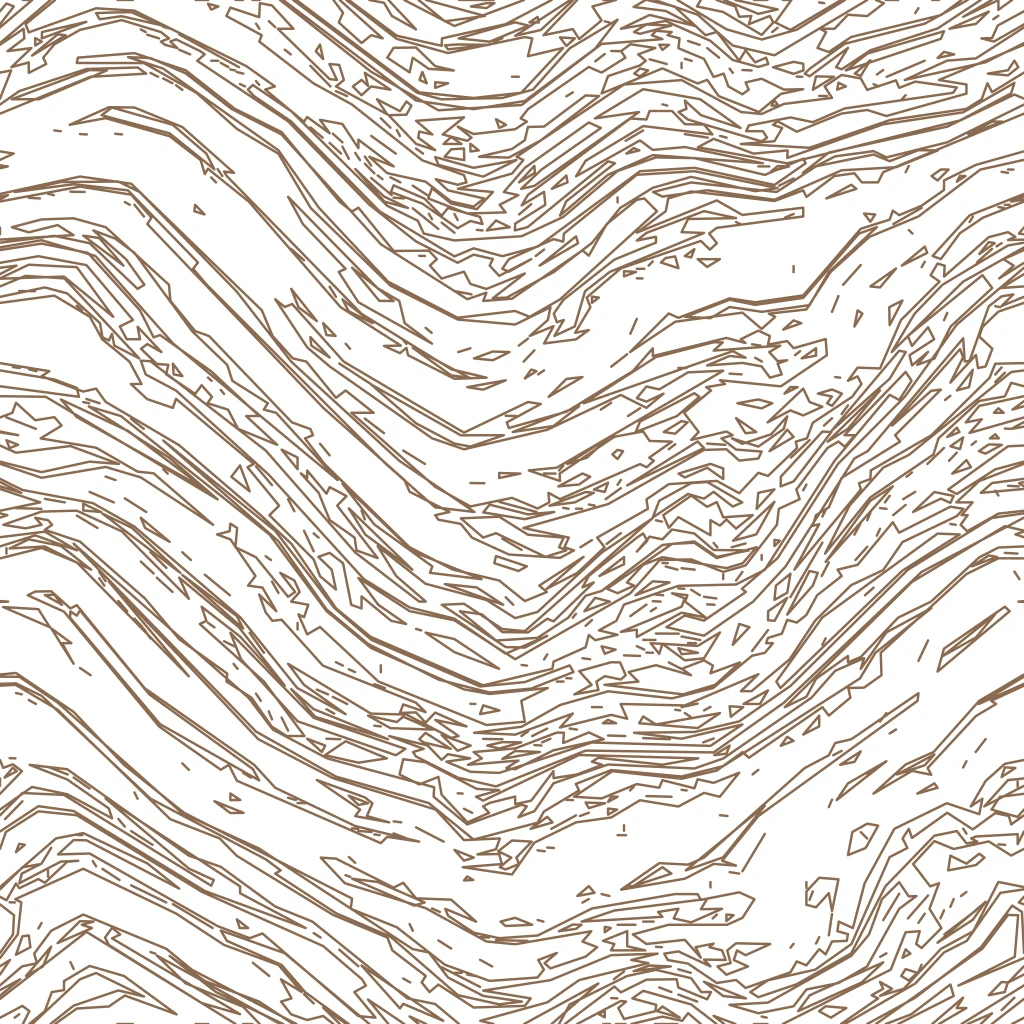
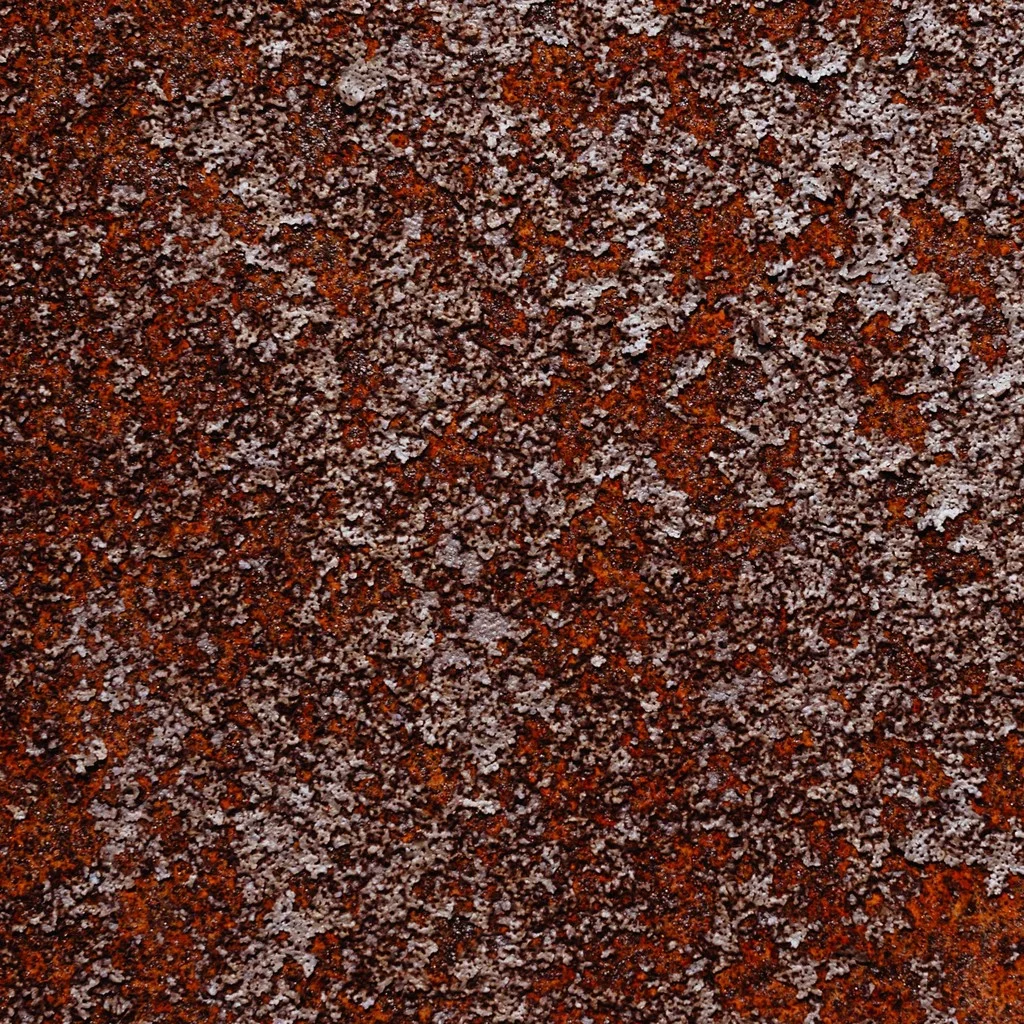
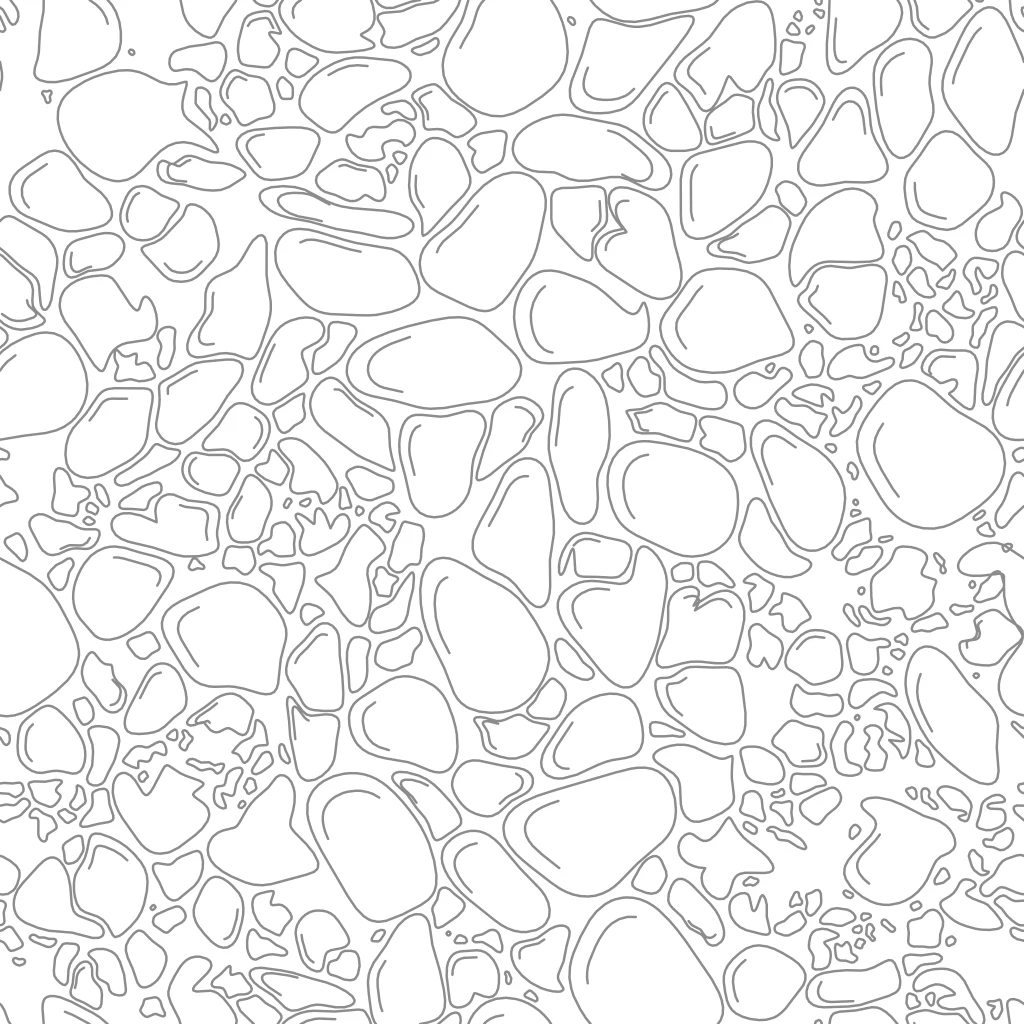
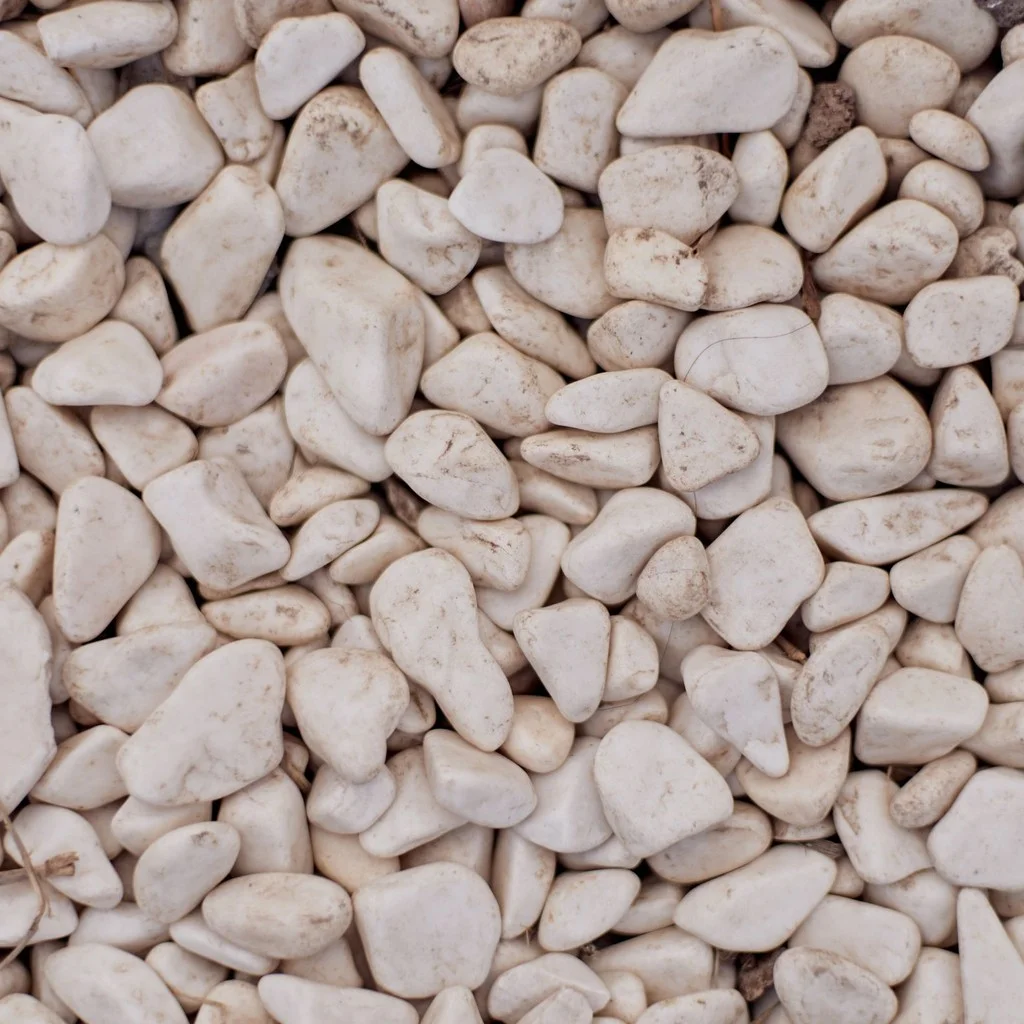
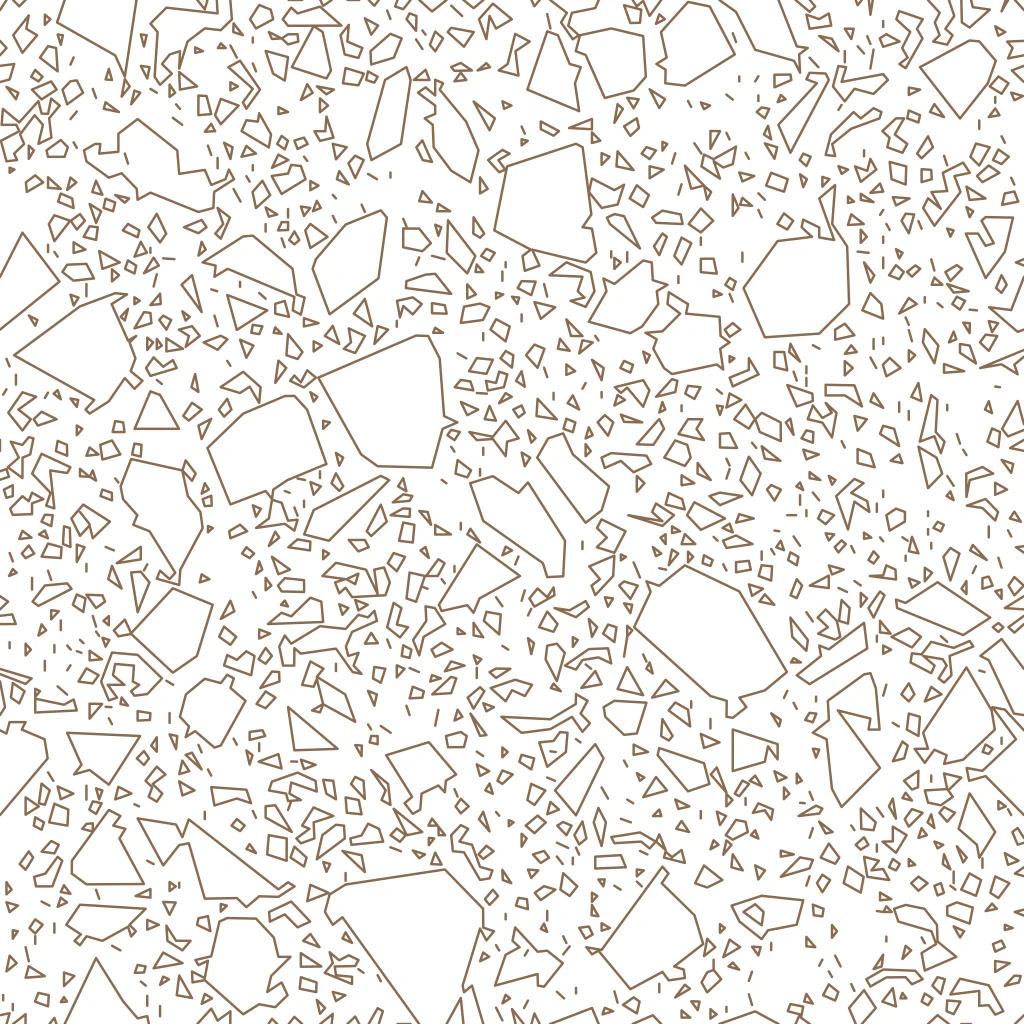
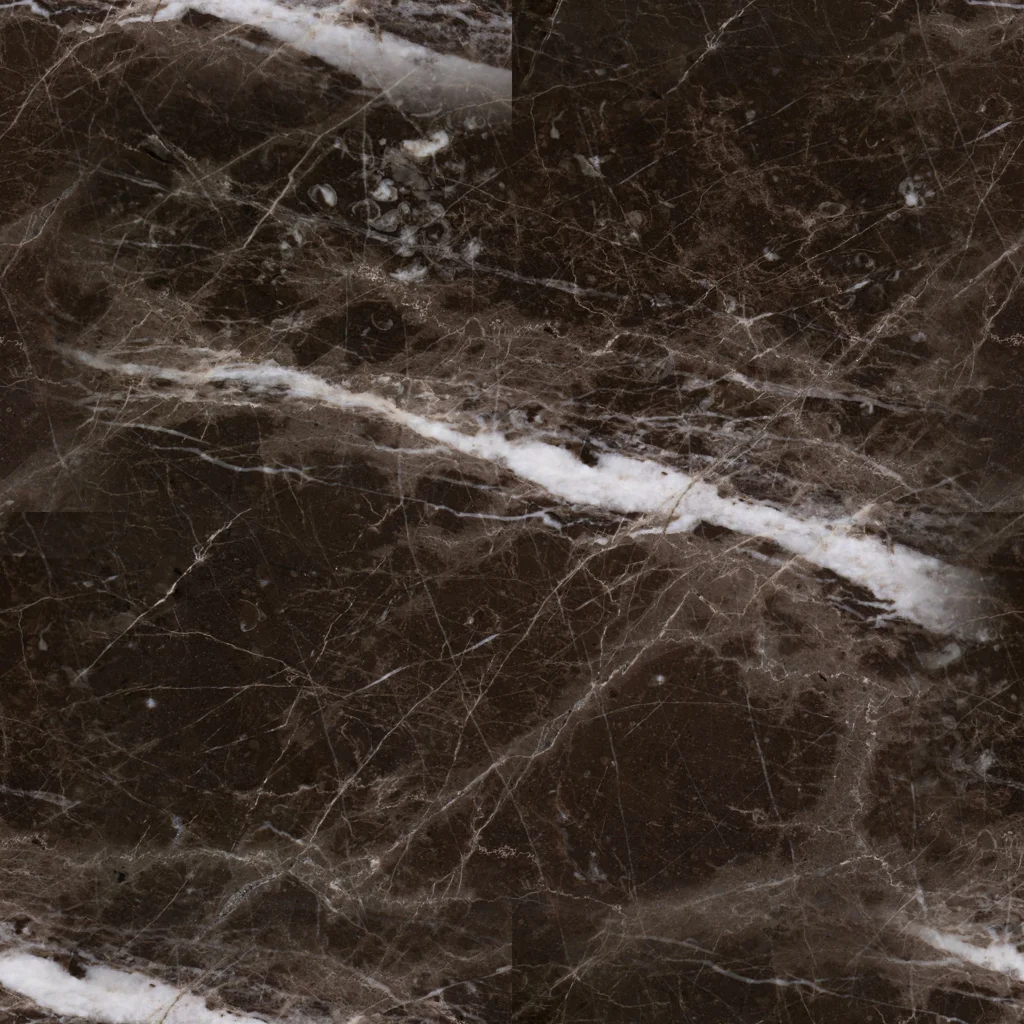
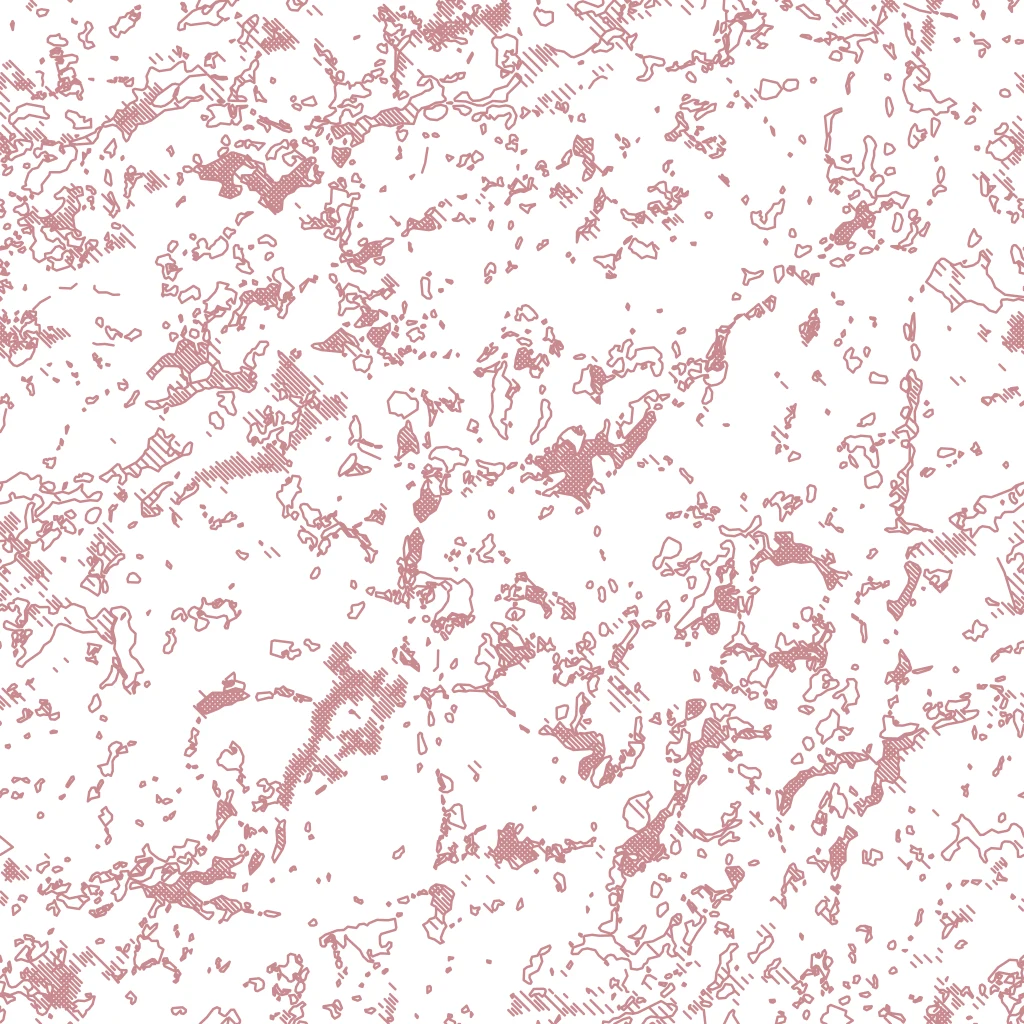
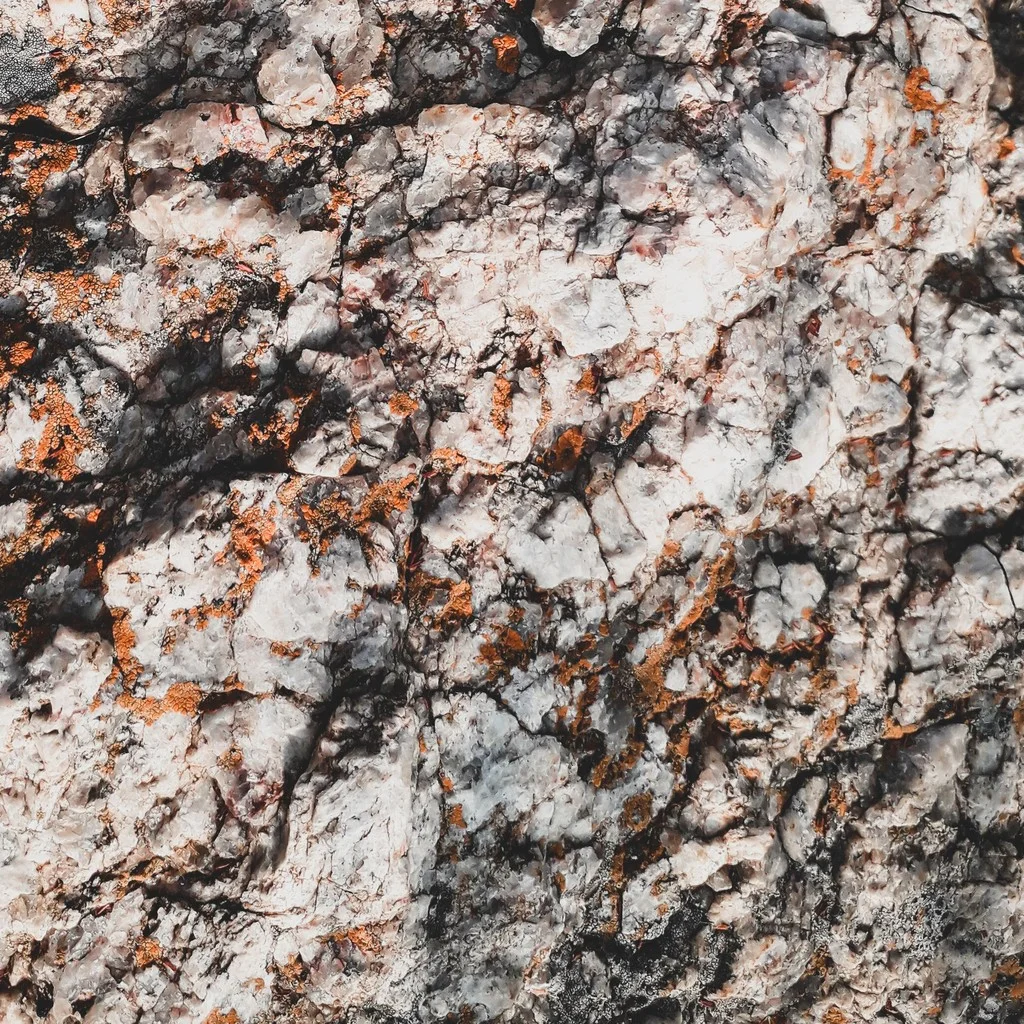
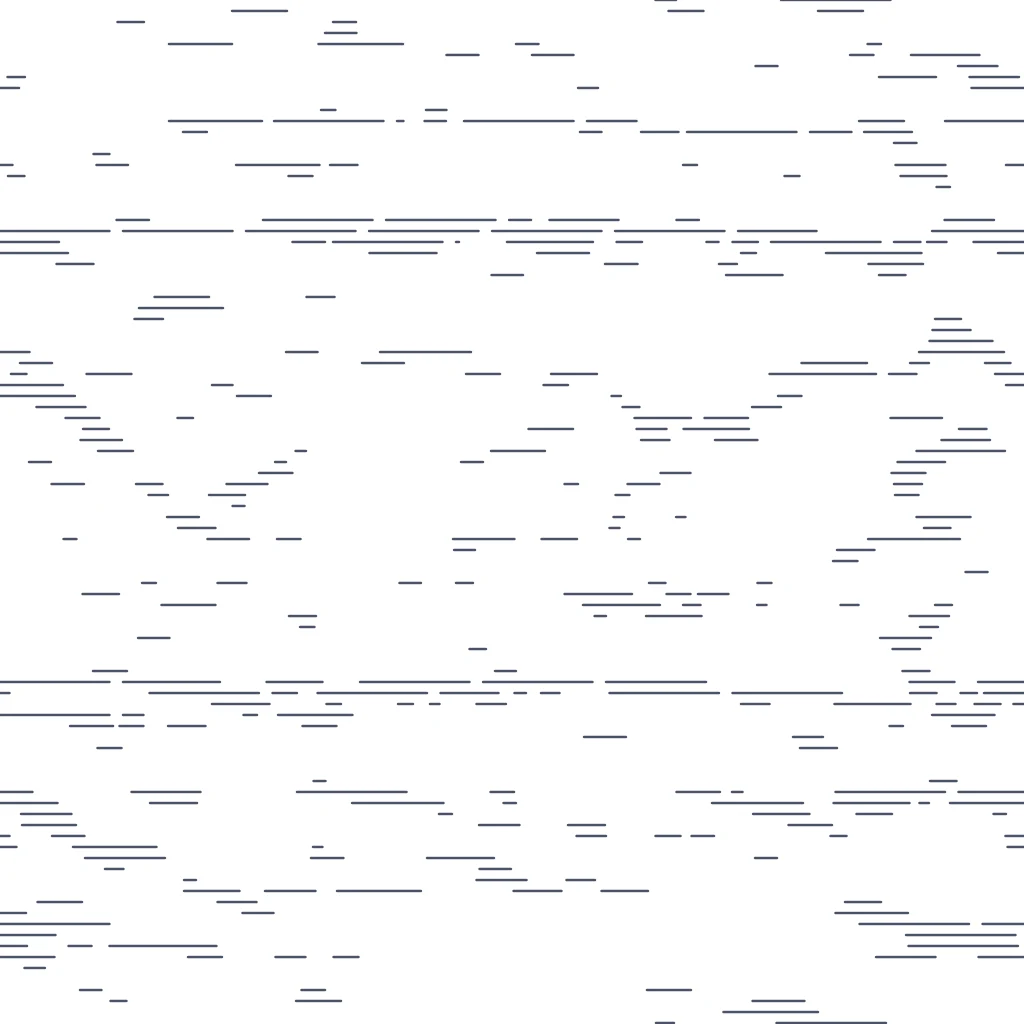
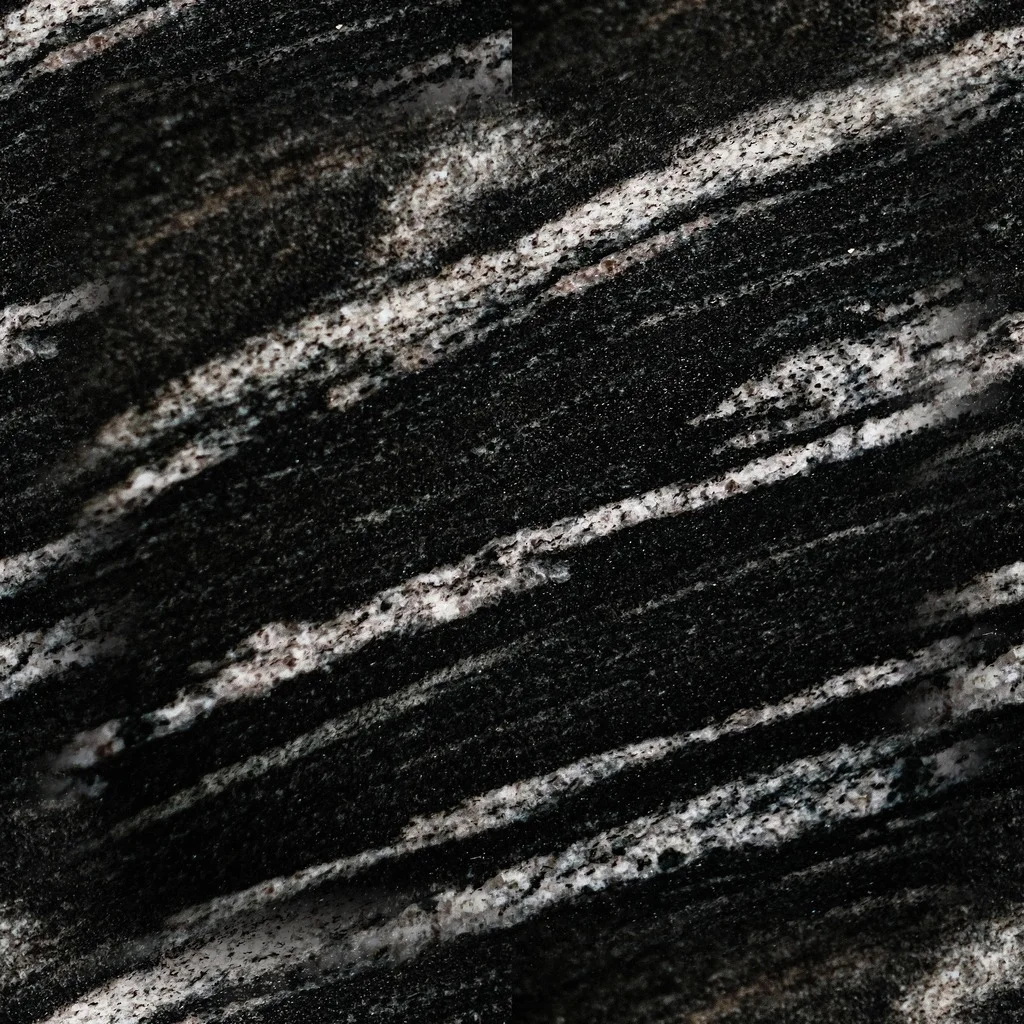
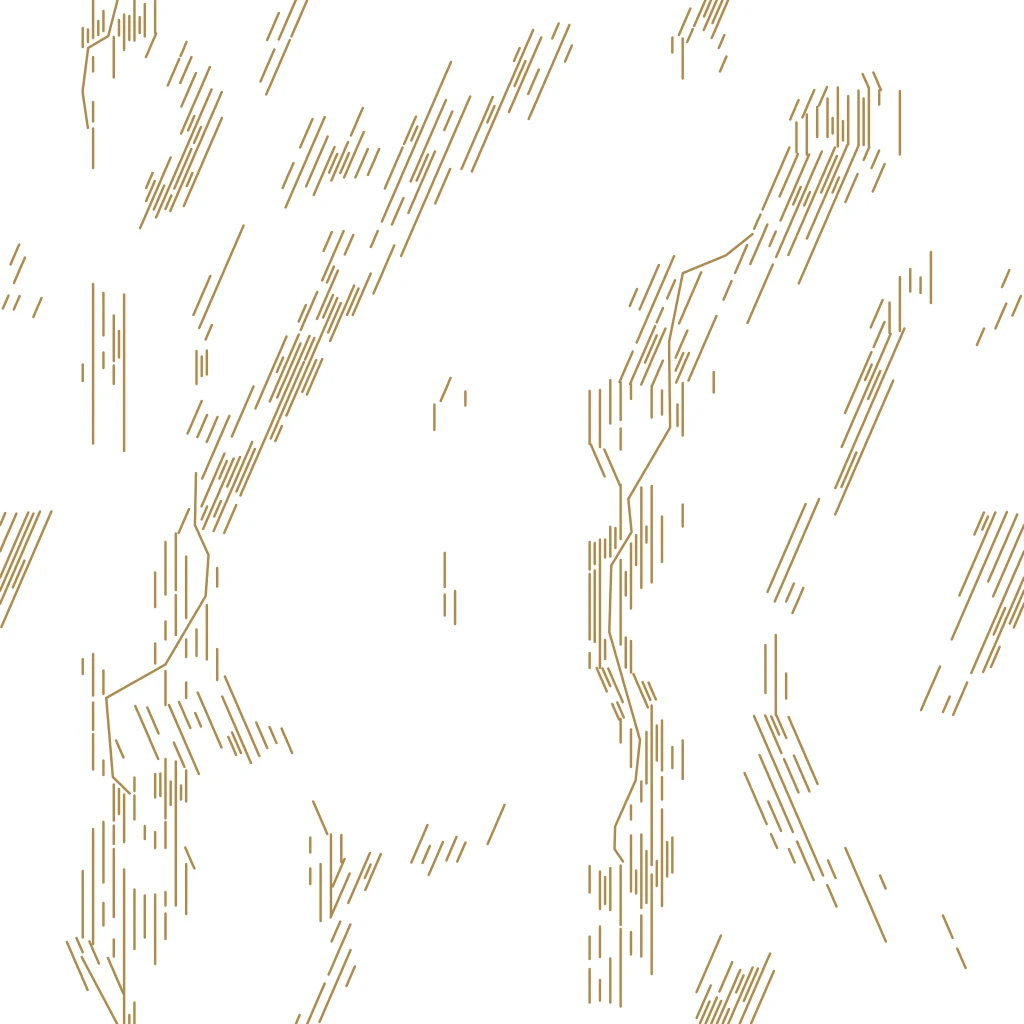
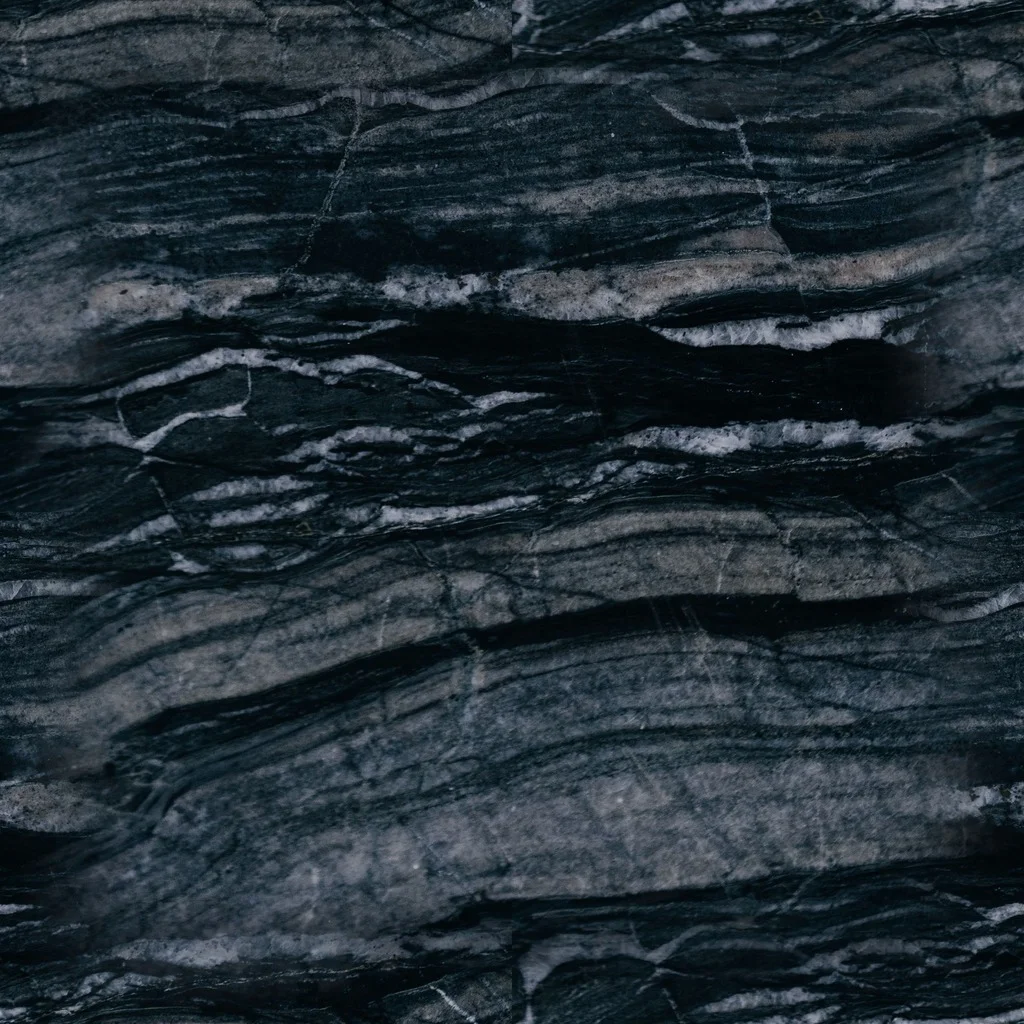
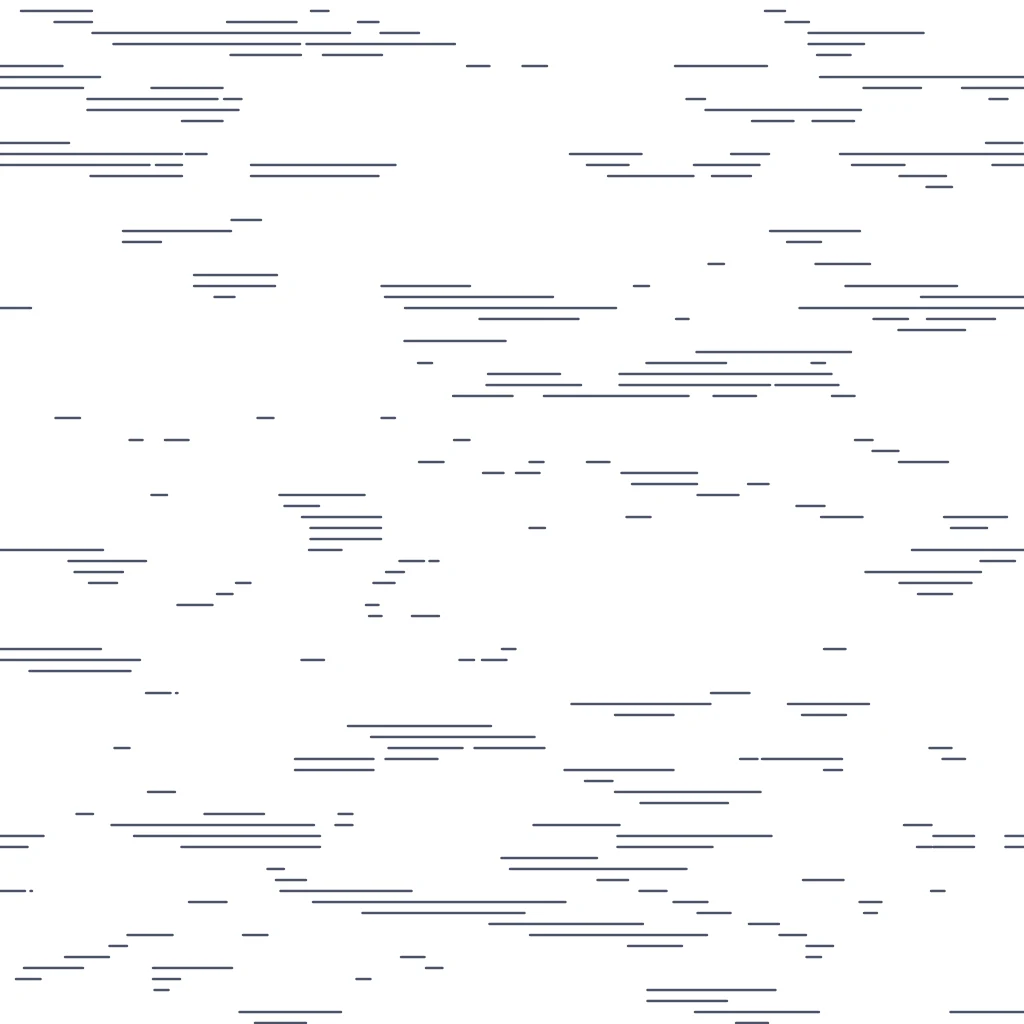
Hatched turns a photo of a material into a seamless hatch for your plan. On top comes a library of ready made hatches in stone, wood, concrete, plaster and more, all drawn in the same calm line.

How does a photo become a hatch?

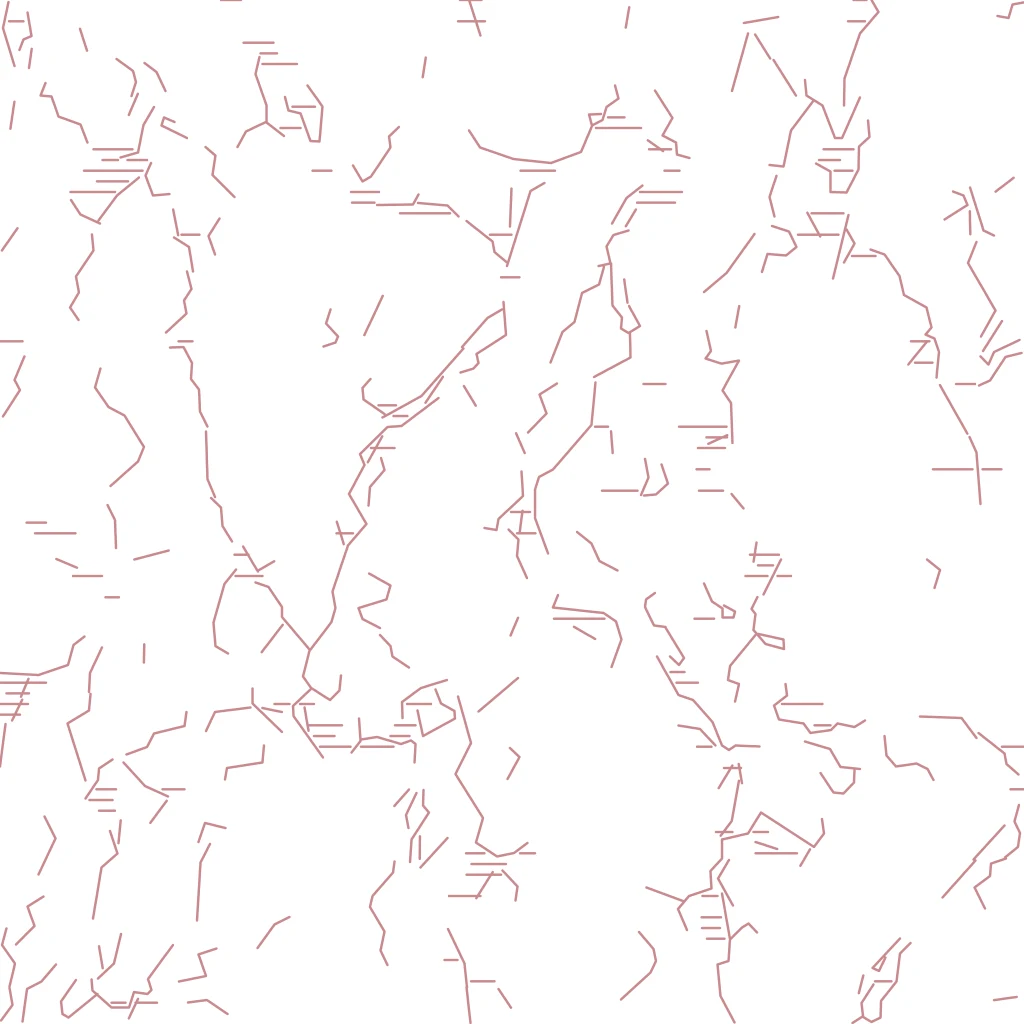
You upload a photo and the AI draws a hatch from it. In the generator you adjust lines, joints and rotation, and the preview shows right away how the tile repeats seamlessly.

Which programs does it work with?

Export any hatch as DXF and set it up in Archicad or Vectorworks. It then sits in your plan like any other hatch.

Can I try Hatched for free?

Yes. You can try the generator and the library without a subscription, and pattern bonds without fill are free. Every other download you buy individually for CHF 3, or you take Hatched Pro for CHF 24 a year with 30 downloads and 5 AI images.

( Help )

Something not working?

Having trouble with the generator, a download or your account? Send us an email and we will get back to you as soon as possible.

Report a problem

Collaborate with us

From material to plan
Want to work with us? We bring the materials of manufacturers, studios and universities into every plan as a hatch.

Get in touch